In the rapidly evolving world of technology, the USB Type-C charging cable has emerged as a game-changer. Known for its versatility and efficiency, this cable type is becoming the standard for charging and data transfer across a wide range of devices. This article will explore what USB Type-C charging cables are, their features, benefits, and how they compare to previous USB standards.
Table of Contents
What is a USB Type-C Charging Cable?
Definition and Overview
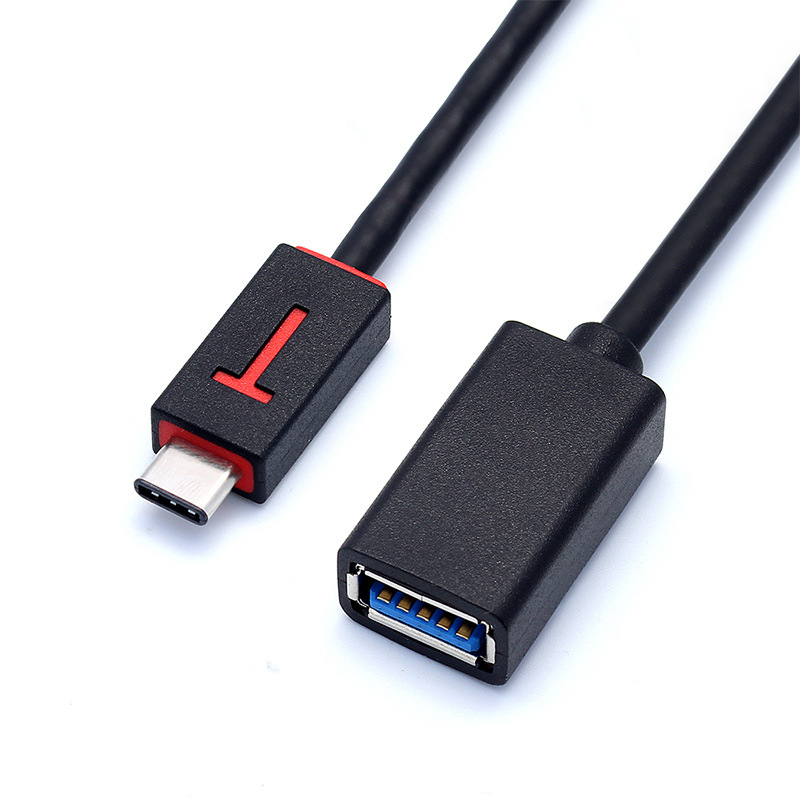
A USB Type-C charging cable is a universal connector that allows for both power delivery and data transfer. Unlike its predecessors, USB Type-C is reversible, meaning it can be plugged in either way, making it user-friendly. This cable type supports various protocols, including USB Power Delivery (PD) and Thunderbolt, enabling faster charging and data transfer rates.
The Evolution of USB Standards
The USB (Universal Serial Bus) standard has undergone several iterations since its inception in the mid-1990s. Each version has brought improvements in speed, power delivery, and functionality. USB Type-C is the latest evolution, designed to address the limitations of previous USB types, such as USB-A and USB-B.
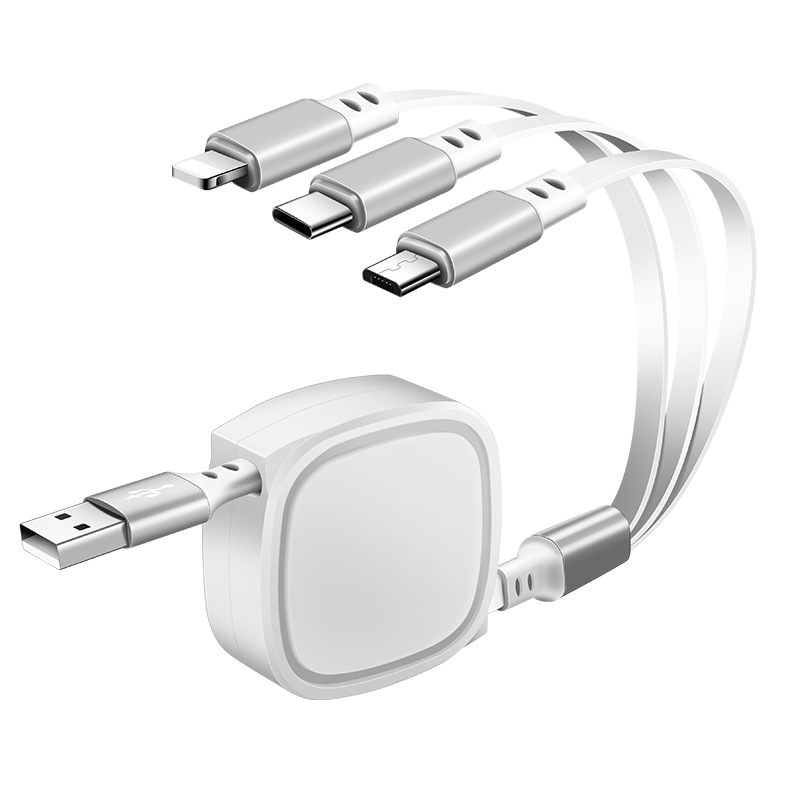
Key Features of USB Type-C Charging Cables
1. Reversible Design
One of the most significant advantages of USB Type-C cables is their reversible design. Unlike traditional USB connectors, which can only be plugged in one way, USB Type-C connectors can be inserted in either orientation. This feature eliminates the frustration of fumbling with cables in low-light conditions or tight spaces.
2. High Power Delivery
USB Type-C cables support higher power delivery compared to previous USB standards. They can deliver up to 100 watts of power, making them suitable for charging a wide range of devices, including laptops, tablets, and smartphones. This capability allows for faster charging times, which is especially beneficial for users with power-hungry devices.
3. Fast Data Transfer Rates
In addition to power delivery, USB Type-C cables offer impressive data transfer rates. Depending on the specific implementation, USB Type-C can support data transfer speeds of up to 10 Gbps or even 40 Gbps with Thunderbolt 3. This makes it ideal for transferring large files, such as videos and high-resolution images, quickly and efficiently.
4. Versatile Compatibility
USB Type-C is designed to be compatible with a wide range of devices. It can be used with smartphones, tablets, laptops, and even peripherals like monitors and external hard drives. This versatility makes it a one-size-fits-all solution for many users, reducing the need for multiple cables and connectors.
5. Enhanced Durability
USB Type-C cables are built to withstand the rigors of daily use. Many manufacturers use high-quality materials and reinforced connectors to ensure durability and longevity. This makes USB Type-C cables less prone to fraying or breaking compared to traditional USB cables.
Benefits of Using USB Type-C Charging Cables
1. Convenience
The reversible design and universal compatibility of USB Type-C cables make them incredibly convenient for users. You no longer have to worry about which way to plug in your cable, and you can use the same cable for multiple devices, simplifying your charging setup.
2. Faster Charging
With the ability to deliver higher power levels, USB Type-C cables enable faster charging for compatible devices. This is particularly useful for users who are always on the go and need to charge their devices quickly.
3. Improved Data Transfer
The high data transfer rates supported by USB Type-C cables make it easier to move large files between devices. This is especially beneficial for professionals who work with high-resolution media or large datasets.
4. Future-Proofing
As more devices adopt USB Type-C as their standard charging and data transfer method, investing in USB Type-C cables ensures that you are prepared for the future. This standard is likely to become even more prevalent, making it a smart choice for consumers.
5. Eco-Friendly Options
Many manufacturers are now producing USB Type-C cables using sustainable materials and practices. This shift towards eco-friendly production methods aligns with the growing consumer demand for environmentally responsible products.
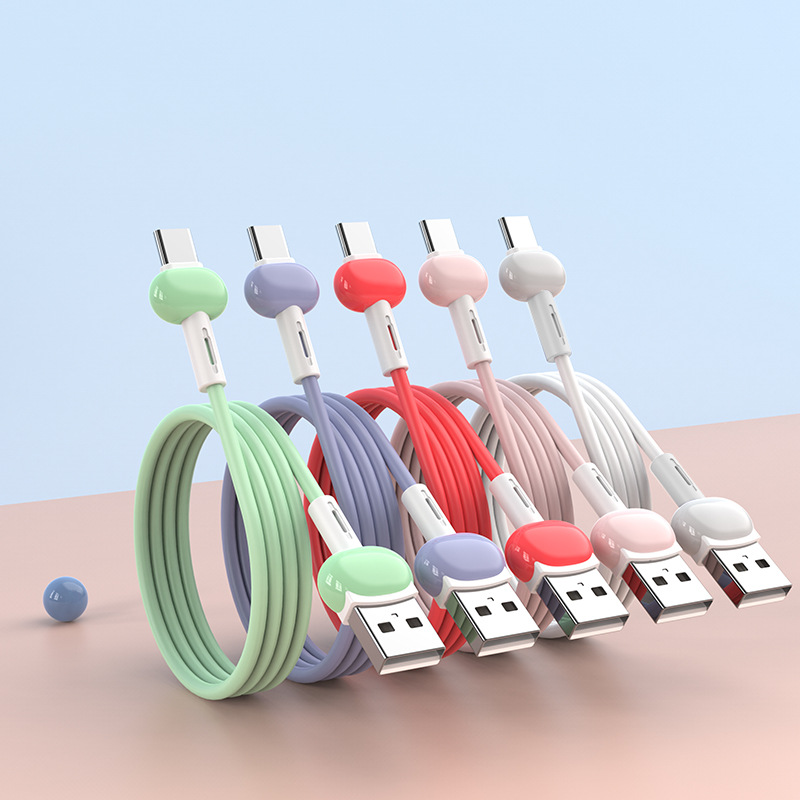
Choosing the Right USB Type-C Charging Cable
1. Assess Your Device Compatibility
Before purchasing a USB Type-C charging cable, check the compatibility of your devices. Ensure that your devices support USB Type-C and the specific features you need, such as fast charging or data transfer capabilities.
2. Consider Cable Length
USB Type-C cables come in various lengths, so consider how you plan to use the cable. If you need a cable for charging at a distance, opt for a longer cable. However, if you need a cable for travel or portability, a shorter cable may be more convenient.
3. Look for Quality Brands
Investing in a high-quality USB Type-C cable is essential for ensuring durability and performance. Look for reputable brands known for their reliable products. Reading customer reviews can also provide insight into the quality of the cable.
4. Check for Certification
When purchasing a USB Type-C cable, check for certification marks, such as USB-IF certification. This certification ensures that the cable meets specific performance standards and is safe to use with your devices.
5. Evaluate Price vs. Quality
While it may be tempting to choose the cheapest option, prioritize quality over price. A high-quality USB Type-C cable may cost more upfront but can save you money in the long run by providing better performance and durability.
Caring for Your USB Type-C Charging Cable
1. Regular Inspection
Regularly inspect your USB Type-C cable for signs of wear and tear. Check for frayed ends, damaged connectors, or any other issues that may affect performance. If you notice any significant damage, consider replacing the cable.
2. Proper Storage
When not in use, store your USB Type-C cable properly to prevent damage. Avoid wrapping the cable too tightly, as this can cause stress on the connectors. Instead, loosely coil the cable and store it in a cool, dry place.
3. Avoid Excessive Heat
Exposing your USB Type-C cable to excessive heat can damage the materials and affect performance. Avoid leaving the cable in direct sunlight or near heat sources, such as radiators or stoves.
4. Clean the Connectors
To maintain optimal performance, periodically clean the connectors of your USB Type-C cable. Use a soft, dry cloth to gently wipe away any dust or debris that may accumulate on the connectors.
5. Use with Compatible Devices
To ensure the longevity of your USB Type-C cable, use it only with compatible devices. Using the cable with devices that do not support USB Type-C or the specific features of the cable can lead to damage or reduced performance.
Conclusion
USB Type-C charging cables are essential tools for anyone looking to maximize the efficiency of their devices. By understanding what USB Type-C cables are, how they work, and the benefits they offer, you can make informed decisions when purchasing cables for your devices. With the right USB Type-C cable, you can enjoy quicker charging times, enhanced device longevity, and a more convenient user experience.
How to purchase:Online B2B sourcing platform, China purchase, Chinese suppliers – LooperBuy
Frequently Asked Questions
1. What is a USB Type-C charging cable?
A USB Type-C charging cable is a universal connector that allows for both power delivery and data transfer, featuring a reversible design for easy use.
2. How does fast charging work with USB Type-C cables?
Fast charging works by increasing the voltage and amperage delivered to a device, allowing for quicker charging times compared to standard cables.
3. Are all USB Type-C cables the same?
No, not all USB Type-C cables are the same. They can vary in specifications, including power delivery capabilities and data transfer speeds.
4. Can I use a USB Type-C cable with any device?
USB Type-C cables are generally compatible with devices that support USB Type-C, but always check your device’s specifications to ensure compatibility.
5. How do I maintain my USB Type-C charging cable?
Regularly inspect the cable for damage, store it properly, avoid excessive heat, and clean the connectors to maintain optimal performance.
Hot Tag: USB Type-C charging cables, fast charging technology, versatile connectivity options, benefits of USB Power Delivery, different types of USB Type-C cables, risks of non-certified cables, choosing the right cable for your device, maintaining cable performance, enhancing user experience, future-proofing your tech accessories.