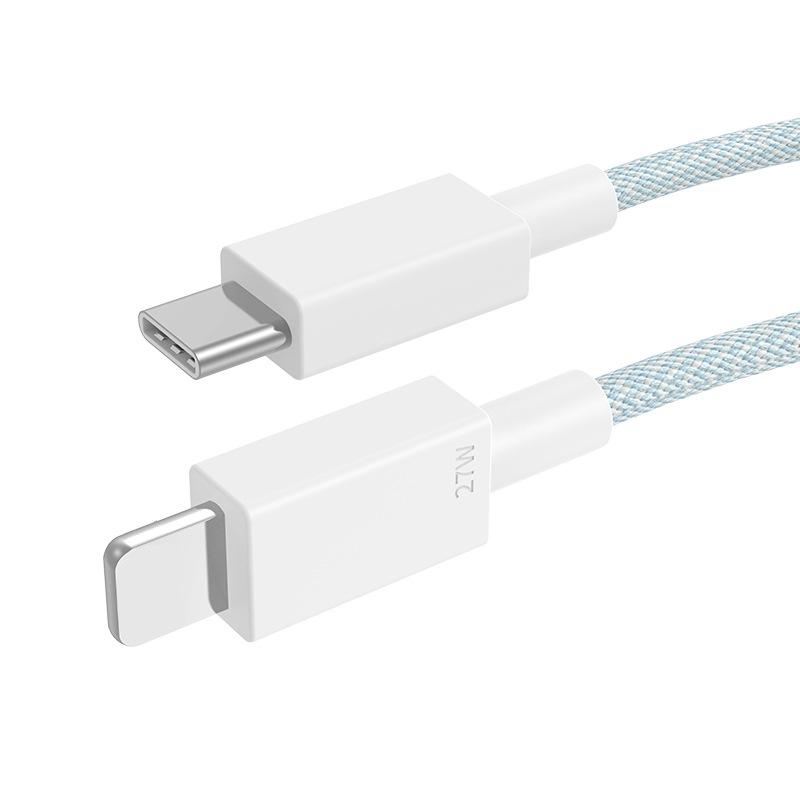
In the world of smartphones, the iPhone 13 stands out not only for its impressive features but also for its unique charging requirements. As Apple continues to innovate, understanding the Apple iPhone 13 charging cable is crucial for users who want to maximize their device’s performance. This article will delve into the specifics of the iPhone 13 charging cable, its compatibility, and tips for optimal use.
Table of Contents
Understanding the Apple iPhone 13 Charging Cable
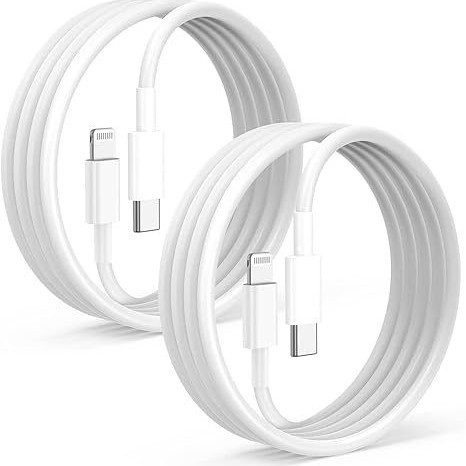
What Type of Cable Does the iPhone 13 Use?
The iPhone 13 comes equipped with a USB-C to Lightning cable. This cable is designed to connect the iPhone to a power adapter or a computer for charging and data transfer. The USB-C end connects to the power source, while the Lightning end connects to the iPhone. This setup allows for faster charging and efficient data transfer compared to older USB-A to Lightning cables.
Why USB-C?
USB-C has become the standard for many modern devices due to its versatility and efficiency. It supports higher power levels, enabling faster charging. For the iPhone 13, using a USB-C to Lightning cable can provide up to 50% more power than traditional USB-A cables, significantly reducing charging time. This is particularly beneficial for users who are always on the go and need a quick power boost.
Benefits of Using the Right Charging Cable
Faster Charging Speeds
One of the primary advantages of using the Apple iPhone 13 charging cable is the fast charging capability. When paired with a compatible power adapter, such as Apple’s 20W USB-C Power Adapter, the iPhone 13 can charge up to 50% in just about 30 minutes. This is particularly beneficial for users who are always on the go and need a quick power boost. Fast charging not only saves time but also enhances the overall user experience, allowing you to spend less time tethered to a wall outlet.
Enhanced Durability
Apple’s Lightning cables are known for their durability. The cables are designed to withstand daily wear and tear, making them a reliable choice for everyday use. Additionally, many third-party manufacturers offer MFi (Made for iPhone) certified cables that meet Apple’s performance standards, ensuring safety and reliability. These cables often feature reinforced connectors and braided designs that enhance their lifespan, making them a worthwhile investment for any iPhone user.
Data Transfer Capabilities
In addition to charging, the Apple iPhone 13 charging cable allows for data transfer between the iPhone and a computer. This is essential for users who need to sync their devices or transfer files. The cable supports high-speed data transfer, making it efficient for backing up photos, videos, and other important files. With the increasing amount of data we store on our devices, having a reliable cable for data transfer is crucial.
Choosing the Right Charging Accessories
Power Adapters
To take full advantage of the fast charging capabilities of the iPhone 13, it is essential to use a compatible power adapter. Apple recommends using their 20W USB-C Power Adapter, but other third-party adapters that support USB Power Delivery (PD) can also work effectively. When selecting a power adapter, ensure it meets the necessary wattage requirements for optimal performance. Using a lower wattage adapter may result in slower charging speeds, which can be frustrating for users who need their devices charged quickly.
Wireless Charging Options
For those who prefer a cable-free experience, the iPhone 13 also supports MagSafe and Qi wireless charging. MagSafe chargers align perfectly with the iPhone 13, providing efficient wireless charging up to 15W. This is a convenient option for users who want to avoid the hassle of cables altogether. MagSafe accessories, such as cases and wallets, can also be easily attached to the back of the iPhone, enhancing both functionality and style.
Choosing the Right Accessories
When selecting accessories for your iPhone 13, consider the following:
- Quality: Always opt for high-quality, MFi certified accessories to ensure compatibility and safety.
- Functionality: Look for accessories that enhance your charging experience, such as multi-port chargers or charging docks.
- Portability: If you travel frequently, consider compact and lightweight accessories that are easy to carry.
Common Issues with Charging Cables
Cable Damage
Over time, charging cables can become damaged due to bending, fraying, or exposure to extreme temperatures. It is essential to handle cables with care and avoid sharp bends or knots. If a cable shows signs of wear, it is advisable to replace it to prevent charging issues. Regularly inspecting your cables for damage can save you from unexpected charging failures.
Compatibility Problems
Using non-MFi certified cables can lead to compatibility issues. While many third-party cables are available, not all meet Apple’s standards. It is crucial to choose certified cables to ensure safety and performance. Non-certified cables may not charge the device efficiently or could even damage the phone. Always check for the MFi certification label when purchasing third-party accessories.
Charging Port Issues
Sometimes, the issue may not lie with the cable but with the iPhone’s charging port. Dust and debris can accumulate in the port, preventing a proper connection. Regularly cleaning the charging port with a soft brush or compressed air can help maintain a good connection and prevent charging issues.
Tips for Maintaining Your Charging Cable
Proper Storage
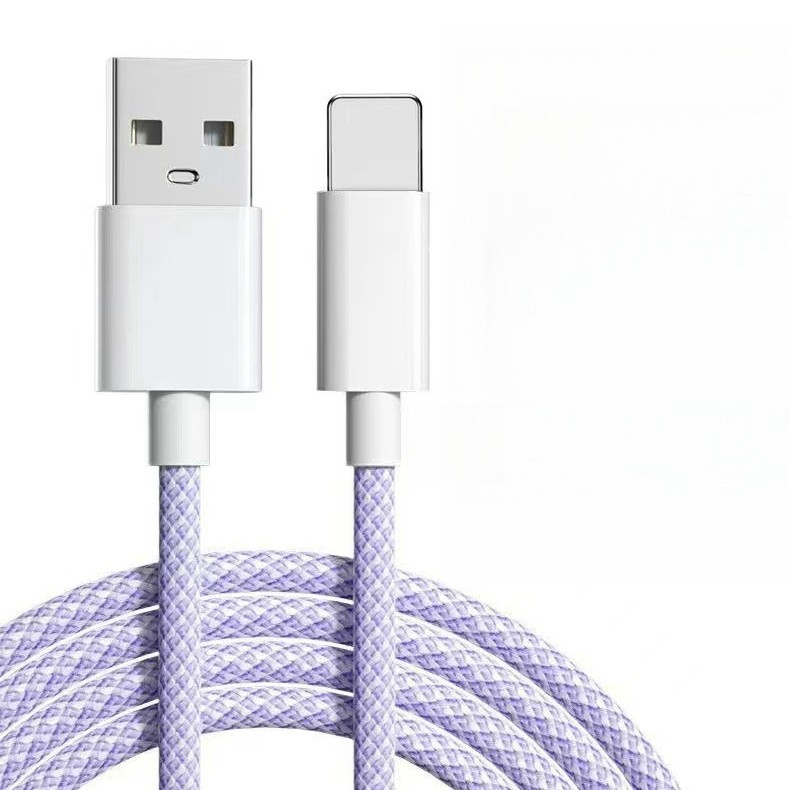
When not in use, store your charging cable properly to prevent damage. Avoid wrapping it tightly around objects, as this can cause stress on the connectors. Instead, consider using a cable organizer or simply coiling it loosely. Proper storage not only extends the life of your cable but also makes it easier to find when you need it.
Regular Cleaning
Dust and debris can accumulate on the connectors of your charging cable, affecting its performance. Regularly inspect and clean the connectors with a soft, dry cloth to ensure a good connection. Keeping the connectors clean can prevent charging issues and ensure that your device charges efficiently.
Avoiding Overheating
Charging your iPhone in hot environments can lead to overheating, which may damage the battery and charging cable. Always charge your device in a cool, dry place to maintain optimal performance. If you notice your device getting excessively hot while charging, it may be a sign of a problem with the cable or adapter.
Understanding Charging Speeds and Battery Health
How Charging Speeds Affect Battery Life
Fast charging is a convenient feature, but it’s essential to understand how it impacts battery health over time. While Apple designs its devices to handle fast charging, consistently using high wattage can lead to increased heat, which may affect battery longevity. To maintain battery health, consider using fast charging only when necessary and opting for standard charging during regular use.
Battery Management Features
The iPhone 13 includes built-in battery management features that help optimize charging. For instance, the device learns your charging habits and can delay charging past 80% until you need to use it. This feature helps reduce battery aging and prolongs overall battery life. Users can enable this feature in the settings under Battery > Battery Health.
Battery Calibration
To ensure accurate battery readings and optimal performance, it is advisable to calibrate your iPhone’s battery periodically. This can be done by fully charging the device to 100%, then using it until it completely discharges. Afterward, charge it back to 100% without interruption. This process helps the device accurately gauge battery capacity and health.
Exploring Alternative Charging Solutions
Solar Chargers
For environmentally conscious users, solar chargers offer a sustainable way to power your iPhone 13. These chargers harness solar energy to charge devices, making them ideal for outdoor activities or emergencies. While they may not provide the same speed as traditional chargers, they are a great backup option. Solar chargers come in various sizes and capacities, allowing users to choose one that fits their needs.
Power Banks
Power banks are portable battery packs that can charge your iPhone on the go. They come in various capacities, allowing you to choose one that fits your needs. When selecting a power bank, look for one that supports fast charging and has multiple output ports for charging multiple devices simultaneously. Some power banks even come with built-in cables, making them even more convenient for travel.
Car Chargers
For users who spend a lot of time in their vehicles, a car charger can be a lifesaver. These chargers plug into the car’s power outlet and can charge your iPhone while you drive. Many car chargers now support fast charging, making them a convenient option for busy lifestyles. When choosing a car charger, consider one with multiple ports to charge multiple devices at once.
Wireless Charging Pads
Wireless charging pads are another alternative for charging your iPhone 13. These pads use electromagnetic fields to transfer energy to the device, eliminating the need for cables. While they may not charge as quickly as wired options, they offer convenience and ease of use. Simply place your iPhone on the pad, and it will begin charging automatically.
The Future of Charging Technology
Advancements in Charging Technology
As technology continues to evolve, so does the way we charge our devices. Innovations such as ultra-fast charging and wireless charging are becoming more prevalent. Companies are working on developing charging solutions that can fully charge devices in a matter of minutes, significantly reducing downtime for users.
The Role of AI in Charging
Artificial intelligence (AI) is also playing a role in charging technology. Smart chargers can learn user habits and optimize charging speeds accordingly. For example, if a user typically charges their phone overnight, the charger can slow down the charging speed to reduce battery wear while still ensuring the device is fully charged by morning.
Sustainable Charging Solutions
With growing concerns about environmental impact, sustainable charging solutions are gaining traction. Solar chargers and energy-efficient power adapters are just the beginning. Future innovations may include charging stations powered by renewable energy sources, making it easier for users to charge their devices without contributing to carbon emissions.
Conclusion
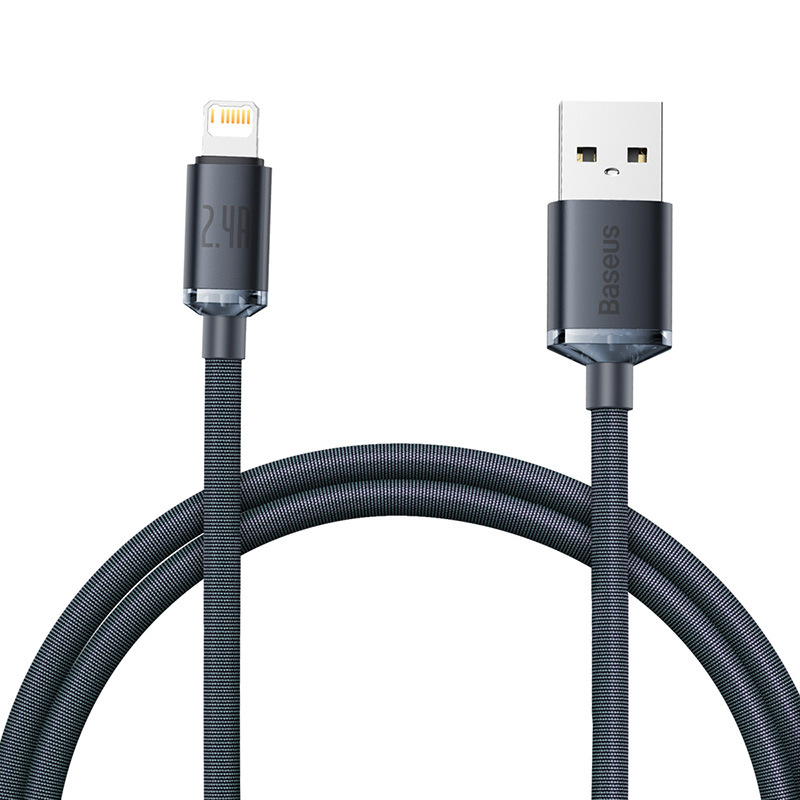
Understanding the Apple iPhone 13 charging cable is essential for maximizing its performance and longevity. By using the correct USB-C to Lightning cable and compatible accessories, you can enjoy faster charging speeds, enhanced durability, and efficient data transfer. Whether you prefer wired or wireless charging, ensuring you have the right equipment will keep your device powered and ready for use.
How to purchase:Online B2B sourcing platform, China purchase, Chinese suppliers – LooperBuy
Frequently Asked Questions
1. What is the difference between USB-C and Lightning cables?
USB-C cables are reversible and can carry more power and data than traditional USB-A cables. Lightning cables are specific to Apple devices and are designed for compatibility with iPhones, iPads, and iPods.
2. Can I use my old iPhone charging cable with the iPhone 13?
If your old cable is a Lightning cable, it can be used with the iPhone 13. However, for optimal charging speed, it is recommended to use the USB-C to Lightning cable that comes with the iPhone 13.
3. How can I tell if a charging cable is MFi certified?
MFi certified cables will have the “Made for iPhone” logo on the packaging or the cable itself. This certification ensures that the cable meets Apple’s performance standards.
4. Is it safe to use third-party charging cables?
Yes, as long as they are MFi certified. Non-certified cables may not work properly and could potentially damage your device.
5. What should I do if my charging cable stops working?
First, check for any visible damage to the cable. If there are no signs of wear, try using a different power adapter or USB port. If the cable still does not work, it may need to be replaced.
HOT TAG: Apple iPhone 13, charging cable, USB-C to Lightning, fast charging, MFi certified cables, wireless charging, MagSafe technology, power adapters, battery health management, data transfer speeds, cable maintenance tips, charging accessories, solar chargers, portable power banks, car chargers, charging port cleaning, charging speed comparison, third-party accessories, charging solutions, smartphone charging technology, environmental impact of charging, future of charging technology, user experience with charging, optimizing battery life, charging habits, smartphone accessories, charging efficiency.