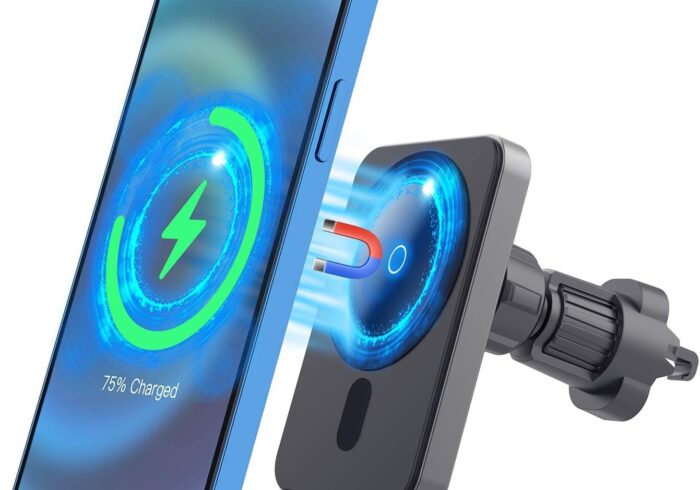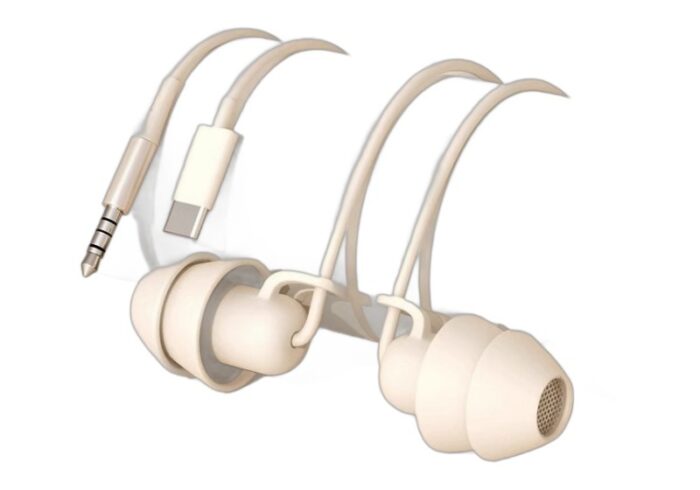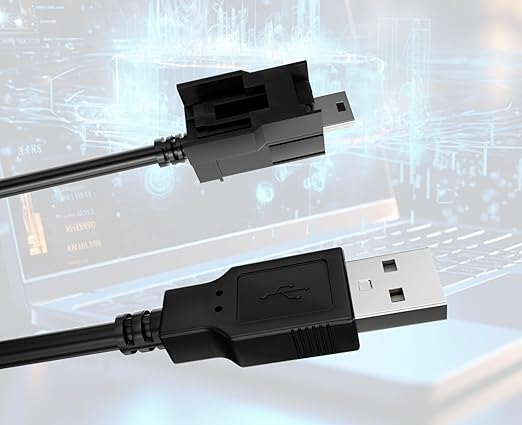
In today’s digital age, the importance of reliable connections cannot be overstated. Whether you’re transferring files, charging devices, or connecting peripherals, USB and data cables play a crucial role in ensuring seamless communication between devices. This article delves into the various types of USB and data cables, their functionalities, and how to choose the right one for your needs.
Table of Contents
Understanding USB Cables
What is a USB Cable?
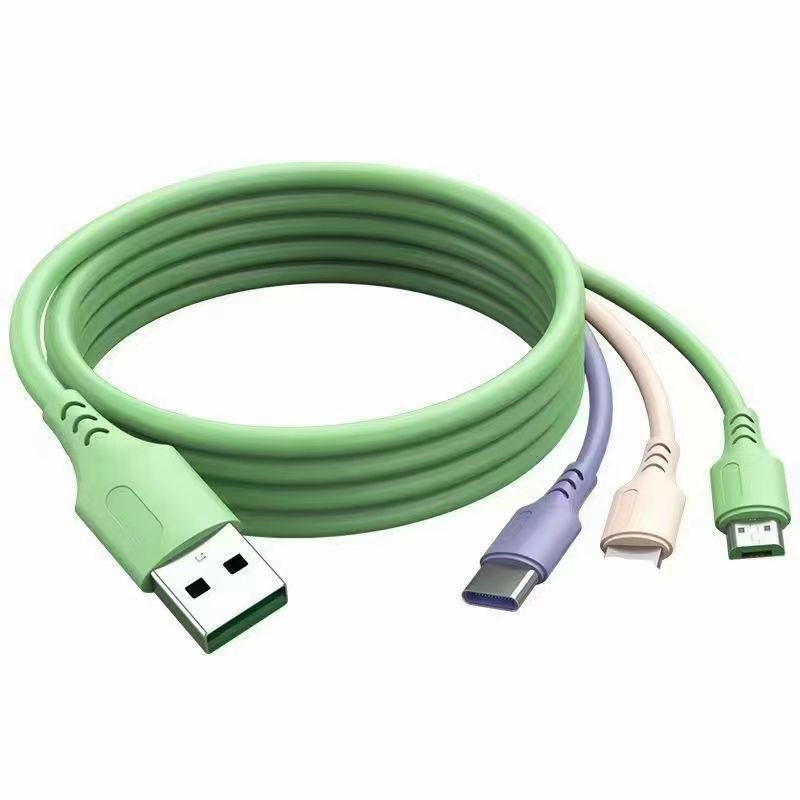
USB, or Universal Serial Bus, is a standard for connecting computers and other devices. USB cables are used for data transfer and power supply, making them essential for a wide range of devices, including smartphones, tablets, cameras, and printers. The versatility of USB cables has made them a staple in both personal and professional environments.
Types of USB Cables
There are several types of USB cables, each designed for specific purposes:
- USB Type-A: The most common USB connector, found on computers and chargers. It is typically used for connecting devices like keyboards and mice.
- USB Type-B: Typically used for printers and other large devices. This type of connector is often found on the device side of the connection.
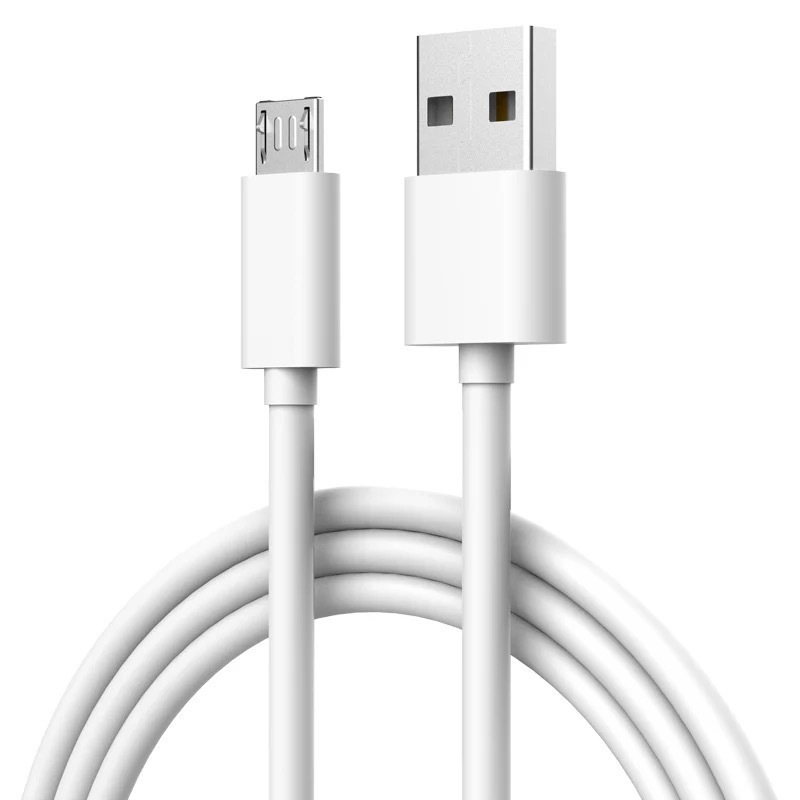
- Micro USB: Commonly used for smartphones and tablets, especially older models. Micro USB cables are compact and widely used in portable devices.
- USB-C: A newer standard that supports faster data transfer and charging capabilities. USB-C is becoming increasingly popular due to its reversible design and ability to handle higher power levels.
Advantages of USB-C
USB-C offers several advantages over previous USB types:
- Reversible Design: Unlike previous USB connectors, USB-C can be plugged in either way, making it more user-friendly.
- Higher Power Delivery: USB-C supports power delivery of up to 100 watts, allowing for faster charging of devices.
- Faster Data Transfer: USB-C can support data transfer speeds of up to 10 Gbps or more, depending on the version.
- Versatility: USB-C can be used for a variety of applications, including video output, making it a one-cable solution for many devices.
The Role of Data Cables
What are Data Cables?
Data cables are designed specifically for transferring data between devices. While many USB cables can also function as data cables, not all USB cables are created equal. Some are designed solely for charging, while others support data transfer. Understanding the distinction is crucial for ensuring that your devices communicate effectively.
Importance of Data Cables
Data cables are essential for:
- File Transfers: Moving files between devices quickly and efficiently. This is particularly important for professionals who need to transfer large files regularly.
- Device Synchronization: Keeping your devices updated and in sync. For example, syncing your smartphone with your computer can help ensure that you have the latest files and updates.
- Backup Solutions: Creating backups of important data on external drives. Regular backups are vital for data security and recovery in case of device failure.
Choosing the Right USB and Data Cable
Factors to Consider
When selecting a USB or data cable, consider the following factors:
- Compatibility: Ensure the cable is compatible with your devices. For instance, a USB-C cable will not fit into a Micro USB port. Always check the specifications of your devices before purchasing a cable.
- Data Transfer Speed: Different cables support different speeds. USB 3.0 and above offer faster transfer rates compared to USB 2.0. If you frequently transfer large files, opt for a cable that supports higher speeds.
- Length: Choose a cable length that suits your needs. Longer cables provide flexibility but may result in slower data transfer speeds. Consider your workspace and how far apart your devices will be.
- Durability: Look for cables with reinforced connectors and high-quality materials to withstand wear and tear. Investing in a durable cable can save you money in the long run by reducing the need for replacements.
Common Uses of USB and Data Cables
- Charging Devices: Most USB cables can charge devices, but ensure they are rated for the required power output. Using a cable that cannot handle the necessary power can lead to slow charging or even damage to your device.
- Connecting Peripherals: Use USB cables to connect keyboards, mice, and external drives to your computer. This is essential for expanding your device’s functionality.
- Transferring Data: Data cables are essential for transferring files between devices, such as from a smartphone to a computer. This is particularly useful for photographers and videographers who need to move large files quickly.
Troubleshooting Common USB Connection Problems
Despite their reliability, USB connections can sometimes encounter issues. Here are some common problems and their solutions:
Device Not Recognized
If your device is not recognized when connected via USB, try the following:
- Check the Cable: Ensure the cable is functioning properly. Try using a different cable to see if the issue persists.
- Restart Devices: Sometimes, simply restarting your devices can resolve connection issues.
- Update Drivers: Ensure that your device drivers are up to date. Outdated drivers can cause compatibility issues.
Slow Data Transfer Speeds
If you notice slow data transfer speeds, consider these factors:
- Cable Quality: Low-quality cables can significantly slow down data transfer. Invest in high-quality cables that support faster speeds.
- Device Limitations: Ensure that both devices support the same USB version. For example, connecting a USB 3.0 device to a USB 2.0 port will limit the speed to USB 2.0 levels.
Overheating Issues
If your devices are overheating during charging or data transfer, check the following:
- Cable Specifications: Ensure that the cable is rated for the power output required by your device. Using an underpowered cable can lead to overheating.
- Ventilation: Make sure that your devices have adequate ventilation. Overheating can occur if devices are placed in enclosed spaces during use.
The Future of USB and Data Cables
Advancements in Technology
As technology evolves, so do USB and data cables. The introduction of USB 4.0 promises even faster data transfer speeds and improved power delivery capabilities. This new standard is designed to unify the various USB types, making it easier for consumers to choose the right cable for their needs. USB 4.0 also supports Thunderbolt 3, allowing for even higher data transfer rates and the ability to connect multiple devices through a single port.
The Rise of Wireless Alternatives
While USB and data cables remain essential, wireless technologies like Bluetooth and Wi-Fi Direct are becoming increasingly popular for data transfer. However, cables still offer advantages in speed and reliability, especially for large file transfers. For instance, transferring a large video file over Wi-Fi can take significantly longer than using a USB cable. Additionally, wireless connections can be susceptible to interference, while wired connections provide a stable and secure link.

Security Considerations with USB Cables
Potential Risks of Using Unknown USB Cables
Using unknown or unverified USB cables can pose security risks. Here are some potential issues:
- Data Theft: Malicious USB cables can be designed to steal data from connected devices. These cables may look identical to standard cables but can contain hidden electronics that intercept data.
- Malware Installation: Some cables can be used to install malware on your device. This is particularly concerning for public charging stations that may use compromised cables.
- Device Damage: Low-quality cables can cause electrical surges that may damage your devices. Always use cables from reputable manufacturers to minimize this risk.
Best Practices for USB Security
To protect your devices and data, consider the following best practices:
- Use Trusted Brands: Always purchase USB cables from reputable manufacturers. Look for certifications that indicate the cable meets safety and performance standards.
- Avoid Public Charging Stations: If possible, avoid using public charging stations, as they may use compromised cables. Instead, carry your own charger and cable.
- Regularly Update Software: Keep your devices’ software up to date to protect against vulnerabilities that could be exploited through USB connections.
Latest Advancements in USB-C Technology
Enhanced Data Transfer Speeds
USB-C technology continues to evolve, with the latest advancements focusing on increasing data transfer speeds. USB 4.0, for instance, can achieve speeds of up to 40 Gbps, which is double the speed of USB 3.2. This enhancement is particularly beneficial for professionals who work with large files, such as video editors and graphic designers.
Improved Power Delivery
The power delivery capabilities of USB-C have also seen significant improvements. With the ability to deliver up to 100 watts of power, USB-C can charge laptops, tablets, and smartphones quickly and efficiently. This makes it an ideal choice for users who need to charge multiple devices simultaneously.
Universal Compatibility
One of the most significant advancements in USB-C technology is its universal compatibility. USB-C ports are becoming standard across various devices, including smartphones, laptops, and gaming consoles. This means that users can rely on a single type of cable for multiple devices, reducing clutter and simplifying connectivity.
Comparing USB Standards: 3.0, 3.1, 3.2, and USB4
USB 3.0
USB 3.0 was a significant upgrade from USB 2.0, offering data transfer speeds of up to 5 Gbps. It introduced a new connector design and improved power management, making it suitable for high-speed data transfer and charging.
USB 3.1
USB 3.1 further enhanced data transfer speeds, reaching up to 10 Gbps. It also introduced the USB Type-C connector, which is reversible and supports higher power delivery. This standard laid the groundwork for the widespread adoption of USB-C.
USB 3.2
USB 3.2 built upon the advancements of USB 3.1, offering data transfer speeds of up to 20 Gbps. It introduced multi-lane operation, allowing for multiple data streams to be transmitted simultaneously. This is particularly useful for applications that require high bandwidth, such as 4K video streaming.
USB4
USB4 is the latest standard, capable of achieving speeds of up to 40 Gbps. It is designed to be backward compatible with USB 3.2 and USB 2.0, ensuring that users can continue to use their existing devices and cables. USB4 also supports Thunderbolt 3, allowing for even greater versatility in connectivity.
Best Practices for Maintaining USB and Data Cables
To prolong the lifespan of your USB and data cables, consider the following best practices:
- Avoid Excessive Bending: Regularly bending cables can lead to internal damage. Try to keep cables straight and avoid sharp bends.
- Store Properly: When not in use, store cables in a cool, dry place. Avoid wrapping them tightly around objects, as this can cause wear and tear.
- Keep Away from Heat Sources: Exposure to heat can degrade the materials used in cables. Keep them away from direct sunlight and heat sources.
- Regularly Inspect Cables: Check cables for signs of wear, such as fraying or exposed wires. Replace damaged cables immediately to prevent further issues.

Conclusion
USB and data cables are vital components of our digital lives, facilitating connections and data transfers between a myriad of devices. Understanding the different types of cables, their uses, and how to choose the right one can enhance your experience and ensure that your devices communicate effectively. As technology continues to advance, staying informed about the latest developments in USB and data cables will help you make the best choices for your connectivity needs.
How to purchase:Online B2B sourcing platform, China purchase, Chinese suppliers – LooperBuy
Frequently Asked Questions
1. What is the difference between USB and data cables?
USB cables are used for both power and data transfer, while data cables are specifically designed for transferring data between devices.
2. Can I use any USB cable for charging my device?
Not all USB cables are suitable for charging. Some are designed only for data transfer, so it’s essential to check the specifications.
3. How do I know if a cable supports fast charging?
Look for cables that are labeled as “fast charging” or “high-speed data transfer.” These cables typically support higher power outputs.
4. What is USB-C, and why is it important?
USB-C is a newer connector type that supports faster data transfer and charging. It is reversible, meaning it can be plugged in either way, making it more user-friendly.
5. Are there any risks associated with using low-quality cables?
Yes, low-quality cables can lead to slower data transfer speeds, overheating, and even damage to your devices. It’s advisable to invest in reputable brands.、
HOT TAG: USB cables, data transfer, USB-C technology, fast charging solutions, device connectivity options, technology advancements, file synchronization methods, cable durability tips, digital devices compatibility, power delivery standards, USB security measures, data theft prevention strategies, reliable connections, USB standards comparison, cable maintenance practices, USB hubs for laptops, multi-device connectivity, high-speed data transfer, charging efficiency, USB cable types, troubleshooting USB issues, future of USB technology, USB4 advantages, USB 3.2 features, cable quality importance.