Samsung phones are renowned for their sleek designs and vibrant displays, but like any electronic device, they can be prone to damage, particularly to the screen. A cracked or malfunctioning screen can significantly impair the functionality and aesthetic appeal of your phone. Fortunately, repairing a Samsung phone screen is a feasible option, whether you choose to do it yourself or seek professional help. This article will delve into the world of Samsung phone screen repair, covering the costs, DIY methods, and professional services available.
Table of Contents
Understanding the Costs
The cost of repairing a Samsung phone screen varies widely depending on the model of your device. Generally, newer flagship models like the Galaxy S series and Note series tend to be more expensive to repair, with costs ranging from $300 to $600. Mid-range models, such as those in the Galaxy A series, typically fall within the $150 to $300 bracket. Entry-level models are the most affordable, with repair costs often between $100 and $200. These prices usually include a certified OEM replacement display assembly installed by a qualified technician.

DIY Screen Repair
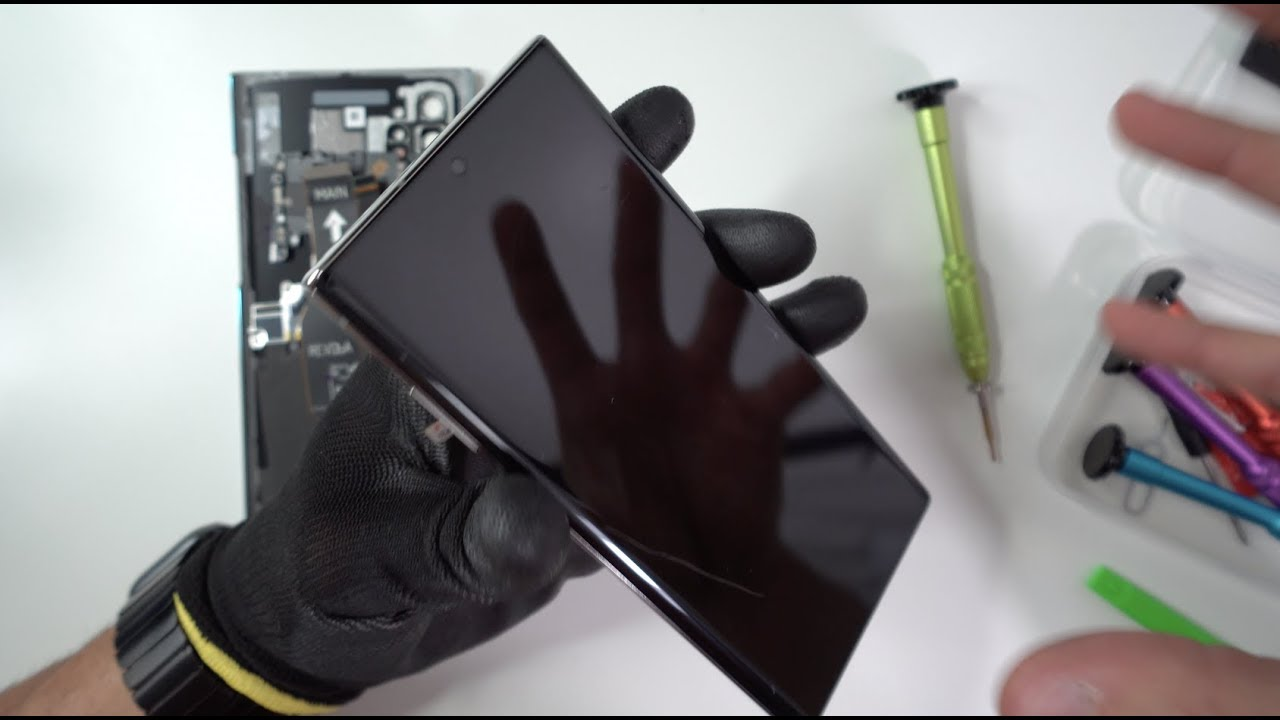
For those who are handy with tools and prefer to save money, DIY screen repair is a viable option. Several online guides and videos provide step-by-step instructions on how to replace the screen on various Samsung models, including the Galaxy A51, A04s, and S22 Ultra. These guides typically cover essential tools needed, preparation tips, disassembly processes, screen removal techniques, new screen installation, and reassembly procedures.
Essential Tools and Preparation
To start a DIY repair, you’ll need specific tools such as a Phillips screwdriver, plastic pry tools, suction cups, and a heat gun or hair dryer. It’s crucial to ensure your workspace is clean and well-lit to avoid any damage to internal components. Before beginning, power off your phone to prevent electrical issues.
Disassembly and Screen Removal
The disassembly process involves carefully removing the back cover and any screws that hold the phone’s frame together. Once inside, you’ll need to disconnect various connectors and cables to access the screen. Removing the broken screen requires handling adhesives and fragile connectors with care.
New Screen Installation
Installing a new screen involves aligning it properly and securing it with adhesives or screws, depending on the model. Ensure all connectors are securely attached to prevent any display issues.
Reassembly and Testing
After installing the new screen, reassemble your phone by reversing the disassembly steps. Finally, test your phone to ensure the new screen functions correctly.
Professional Repair Services
While DIY repairs can be cost-effective, they may not always guarantee the quality and warranty offered by professional services. Samsung and authorized repair centers provide high-quality repairs using genuine parts, which can maintain your phone’s water resistance and warranty. However, these services are generally more expensive and may take longer.
Samsung’s Self-Repair Program
Samsung has introduced a Self-Repair program, allowing users to purchase genuine parts and repair their devices themselves. This program currently supports models like the Galaxy S20, S21, and S22 series. While it offers flexibility, it requires some technical expertise and may not be suitable for all users.
Choosing the Right Option
Whether to opt for a DIY repair or professional service depends on your comfort level with technical tasks and the importance of maintaining your phone’s warranty and water resistance. If you’re unsure or lack experience, seeking professional help is advisable.
How to purchase:https://looperbuy.com/search?keywords=samsung+phone+screen+repair
Frequently Asked Questions and Answers
Q: How much does it cost to repair a Samsung phone screen?
A: The cost varies by model, ranging from $100 for entry-level models to $600 for newer flagships.
Q: Can I repair my Samsung phone screen myself?
A: Yes, with the right tools and guides, DIY repair is possible. However, it requires caution and some technical skill.
Q: What tools do I need for a DIY screen repair?
A: Essential tools include a Phillips screwdriver, plastic pry tools, suction cups, and a heat gun or hair dryer.
Q: Does Samsung offer a self-repair program?
A: Yes, Samsung’s Self-Repair program allows users to purchase genuine parts for certain models, enabling them to perform repairs themselves.
Q: Will a DIY repair void my phone’s warranty?
A: Generally, yes. Using non-genuine parts or performing unauthorized repairs can void your warranty.