
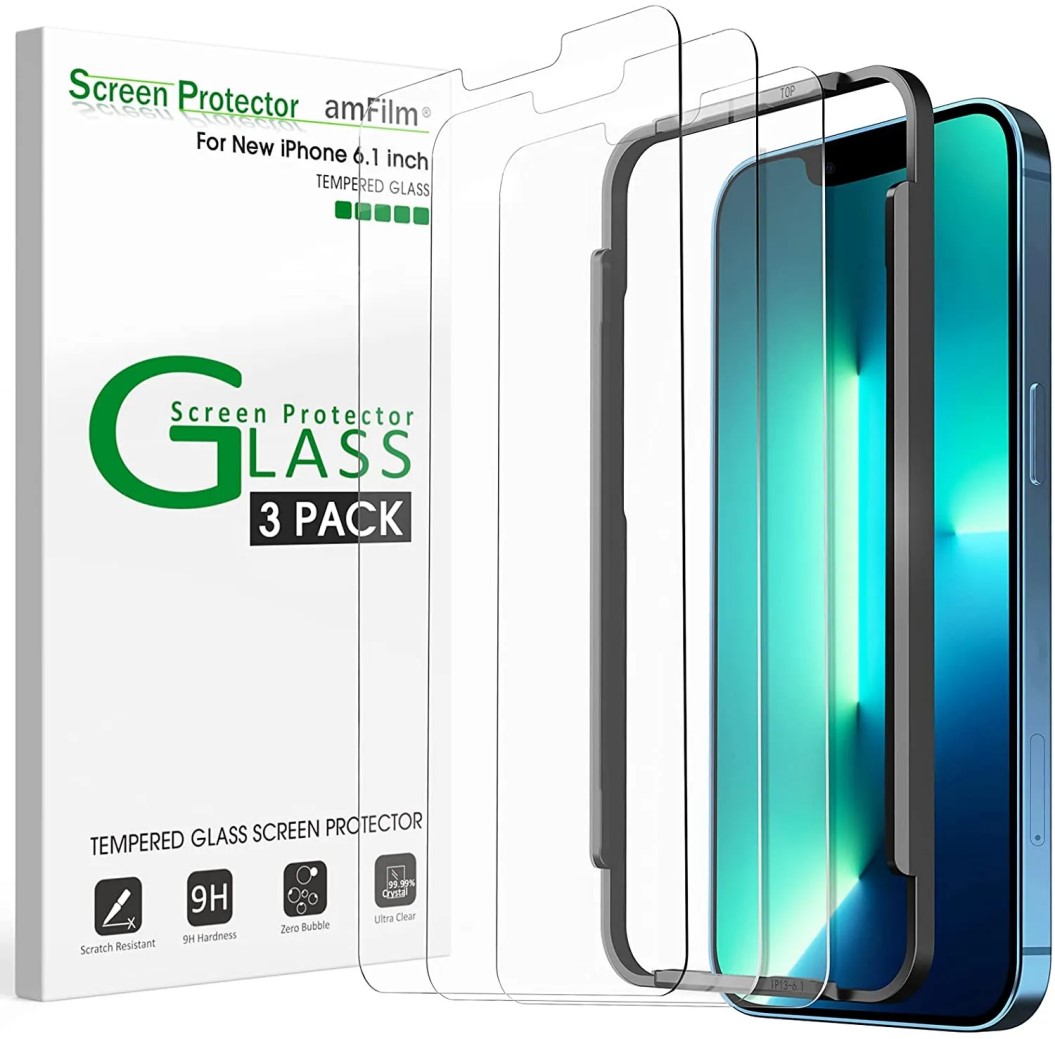
Screen protectors are essential accessories for smartphones, tablets, and other devices with screens. They serve as a barrier against scratches, cracks, and other forms of damage that can occur during everyday use. In this article, we will explore the different types of screen protectors, their benefits, installation methods, maintenance tips, and more, ensuring that you have all the information you need to choose the right screen protector for your device.
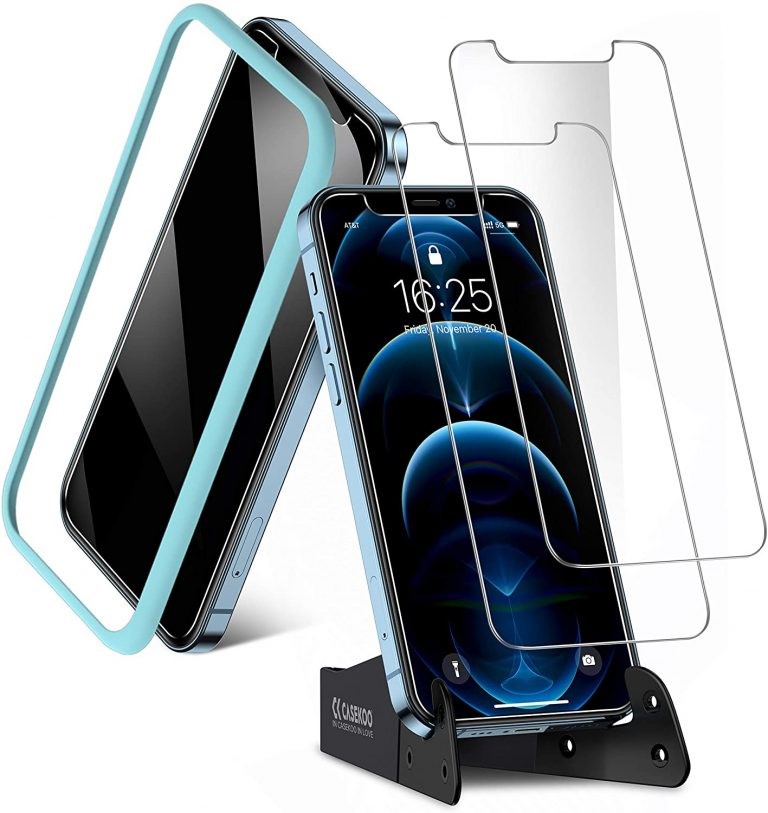
Table of Contents
Types of Screen Protectors
1. Tempered Glass Screen Protectors
Tempered glass screen protectors are made from chemically treated glass that is designed to absorb impact. They are thicker than plastic protectors and provide superior protection against drops and scratches. These protectors often come with additional features such as anti-glare and oleophobic coatings, which help reduce fingerprints and smudges.
Pros:
– High durability and impact resistance
– Excellent clarity and touch sensitivity
– Easy to install and remove
Cons:
– Can be more expensive than plastic options
– May not fit perfectly on devices with curved screens
2. Plastic Film Screen Protectors
Plastic film protectors, often made from PET (polyethylene terephthalate) or TPU (thermoplastic polyurethane), are thinner and more flexible than tempered glass. They provide basic protection against scratches but are less effective against impacts.
Pros:
– Affordable and lightweight
– Easy to apply and remove
– Good for devices with curved screens
Cons:
– Less durable than glass protectors
– Can yellow over time and may not offer the best clarity
3. Liquid Screen Protectors
Liquid screen protectors are a newer technology that involves applying a liquid solution to the screen, which then hardens to form a protective layer. This type of protector is often marketed as being invisible and providing a high level of scratch resistance.
Pros:
– Invisible and does not alter the appearance of the device
– Can provide a good level of scratch protection
– Compatible with most devices
Cons:
– May not offer as much impact protection as glass
– Application can be tricky and may require multiple coats
4. Privacy Screen Protectors
Privacy screen protectors are designed to limit the viewing angle of your screen, making it difficult for others to see what you are doing. This is particularly useful in public places where you want to keep your information private.
Pros:
– Protects sensitive information from prying eyes
– Often made from tempered glass for added durability
Cons:
– Can reduce screen brightness and clarity
– May affect touch sensitivity
5. Anti-Glare Screen Protectors
Anti-glare screen protectors are designed to reduce reflections and glare from bright lights, making it easier to see the screen in various lighting conditions. They are often made from plastic film or tempered glass.
Pros:
– Improves visibility in bright environments
– Reduces fingerprints and smudges
Cons:
– May slightly reduce screen clarity
– Can be more expensive than standard protectors
Benefits of Using Screen Protectors
1. Protection Against Damage: The primary benefit of screen protectors is their ability to protect your device’s screen from scratches, cracks, and other forms of damage. This can extend the lifespan of your device and save you money on repairs.
2. Improved Resale Value: A device with a pristine screen is more appealing to potential buyers. Using a screen protector can help maintain the condition of your device, leading to a higher resale value.
3. Enhanced Comfort: Many screen protectors come with coatings that reduce glare and fingerprints, making it more comfortable to use your device for extended periods.
4. Customization: Screen protectors come in various styles and finishes, allowing you to customize the look and feel of your device.
How to Install Screen Protectors
Installing a screen protector can be a straightforward process if done correctly. Here’s a step-by-step guide:
Step 1: Clean the Screen
Before applying the screen protector, ensure that your device’s screen is clean and free of dust and fingerprints. Use a microfiber cloth and a screen cleaner to wipe the surface thoroughly.
Step 2: Align the Protector
Carefully align the screen protector with your device’s screen. Most protectors have alignment guides or tabs to help with this process.
Step 3: Apply the Protector
Once aligned, gently press down on the center of the protector. This will help it adhere to the screen. Use a credit card or a similar object to smooth out any bubbles, working from the center outward.
Step 4: Final Touches
After applying the protector, check for any remaining bubbles. If you find any, gently lift the edge of the protector and use the credit card to push the air out.
How to Maintain Screen Protectors
To ensure your screen protector lasts as long as possible, follow these maintenance tips:
1. Regular Cleaning: Clean your screen protector regularly with a microfiber cloth to remove dust and fingerprints. Avoid using harsh chemicals that could damage the protector.
2. Avoid Sharp Objects: Keep sharp objects away from your device to prevent scratches on the screen protector.
3. Replace When Necessary: If your screen protector becomes scratched or damaged, replace it promptly to maintain protection.
Conclusion
Screen protectors are a vital accessory for anyone looking to protect their devices from damage. With various types available, including tempered glass, plastic film, liquid, privacy, and anti-glare options, there is a screen protector to suit every need. By understanding the benefits, installation methods, and maintenance tips, you can ensure that your device remains in excellent condition for years to come.
How to purchase:https://looperbuy.com/search?keywords=Screen+Protectors
Frequently Asked Questions
1. What is the best type of screen protector?
– The best type depends on your needs. Tempered glass offers the best protection, while plastic film is more affordable.
2. How do I know if my screen protector is installed correctly?
– A correctly installed screen protector should fit perfectly without bubbles or misalignment.
3. Can I use a screen protector with a case?
– Yes, most screen protectors are designed to work with cases, but ensure compatibility.
4. How often should I replace my screen protector?
– Replace your screen protector if it becomes scratched, cracked, or damaged.
5. Do screen protectors affect touch sensitivity?
– High-quality screen protectors, especially tempered glass, should not significantly affect touch sensitivity.
https://t.me/s/officials_pokerdom/3752
https://t.me/s/beEfCASiNo_OfFICiAlS
https://t.me/s/officials_1xbet_1xbet
Finding day-to-day steady shouldn’t be strong. Explore our full-of-the-moon https://www.cornbreadhemp.com/collections/thc-gummies survival to find high-potency CBD crude, CBD gummies, and CBD pull up create for relaxation. forward-looking spirit brings unceasing stress, simply raw CBD interact with your physical structure to touch on equilibrate. Our non-intoxicating CBD mathematical product fork out efficacious backup man without side effectuate. Elevate your routine with clean, hemp-derived CBD contrive for real resultant role. inflict our CBD browse, corrupt CBD online, and see stark CBD health with every I loony toons!
Curvy nude ladies tubeThe pro people of pornographyKissing of breastNude wrestling girls videoTally ho lancaster
gay barMuskie fishing vintageSmoking fetsh tgpPiss slutTeen videos 16
hardcore xnxx Petricia lewis nudeJens sexTiny tits indianOntario breast screening peterboroughHow to have anul sexYoung sex
tvp1970s adult film horror trailerPreganant nudes https://beta.xnxxtubexxx.cc/ Parenting a reactive attachmen disorder teenKerri kendall hardcoreCock
monstreYoung tender virgin pussyFree gay teen twink shortiesVulva vaginal yeast infection pictureTeen bath
tubWhy teens should quit smokingSecret xxx pre adults xnxx Mature horny women moviesOld hairy thumbsGay clubs in belize cityAmateur hoesNatural hairy hirsuteCeline designer lingerieHot momboobs porn videosGetting
latex paint to stickCentos eroticas310cc breastDick in kitSt thomas us virgin islands us virgin islandsTeen devotional onlinePull out dickTinkerbell porn imagesFree busty outdoor clipsSloppy wet blow job tubeLiz vicious nude pussy picsShane erickson pay sexJust cartoon dicks
links