Table of Contents
Introduction: Why Screen Protection is Essential for Samsung Devices
In an era where smartphones serve as extensions of our daily lives, protecting the delicate screen of your Samsung device has never been more critical. From accidental drops to scratches caused by keys or coins, even the most advanced displays are vulnerable to damage. Samsung phones, renowned for their vibrant Super AMOLED screens and edge-to-edge designs, require specialized protection to maintain their functionality and aesthetic appeal. This comprehensive guide explores the types of screen protectors available, their unique benefits, and how to choose the perfect solution for your Samsung Galaxy model.
The Evolution of Phone Screen Protectors: From Plastic to Advanced Materials
Early Solutions: Plastic Films and Their Limitations
The first screen protectors were simple plastic films designed to prevent scratches. While affordable, they often yellowed over time, reduced touch sensitivity, and provided minimal impact protection.
Modern Innovations: Tempered Glass and Beyond
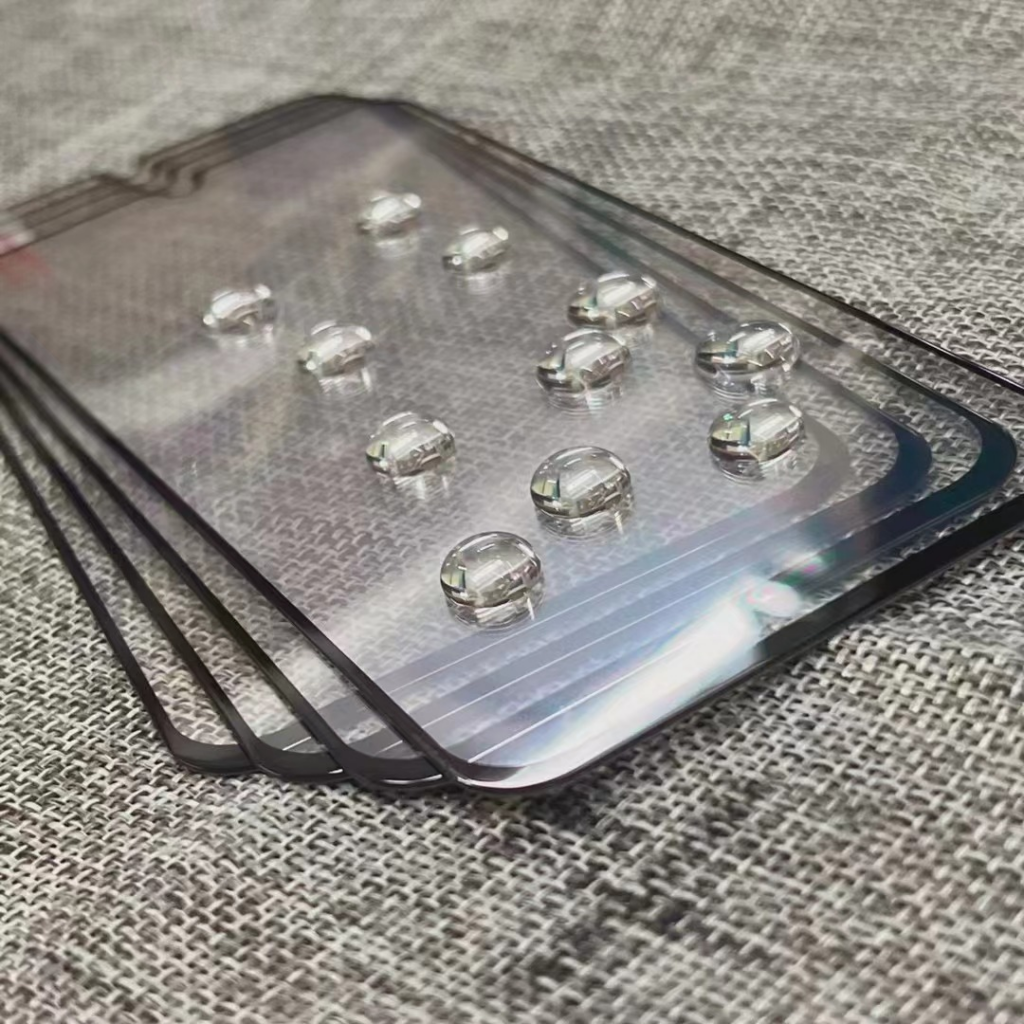
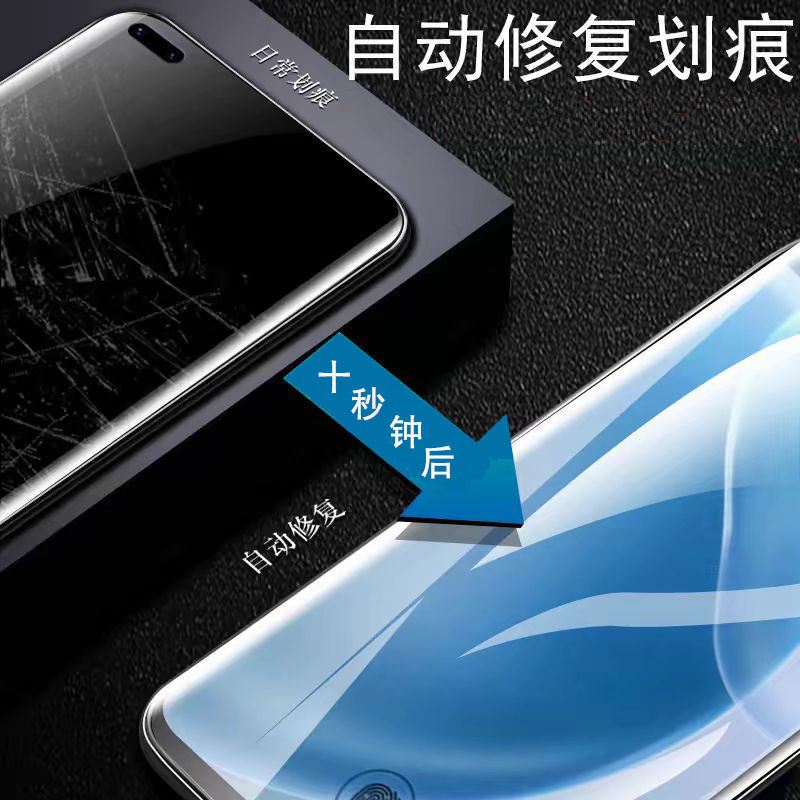
Today’s market offers advanced options like tempered glass protectors with oleophobic coatings, ultra-thin TPU films, and even self-healing materials. These advancements balance durability, clarity, and responsiveness, catering to the diverse needs of Samsung users.
Types of Screen Protectors for Samsung Phones
Tempered Glass Protectors: The Gold Standard
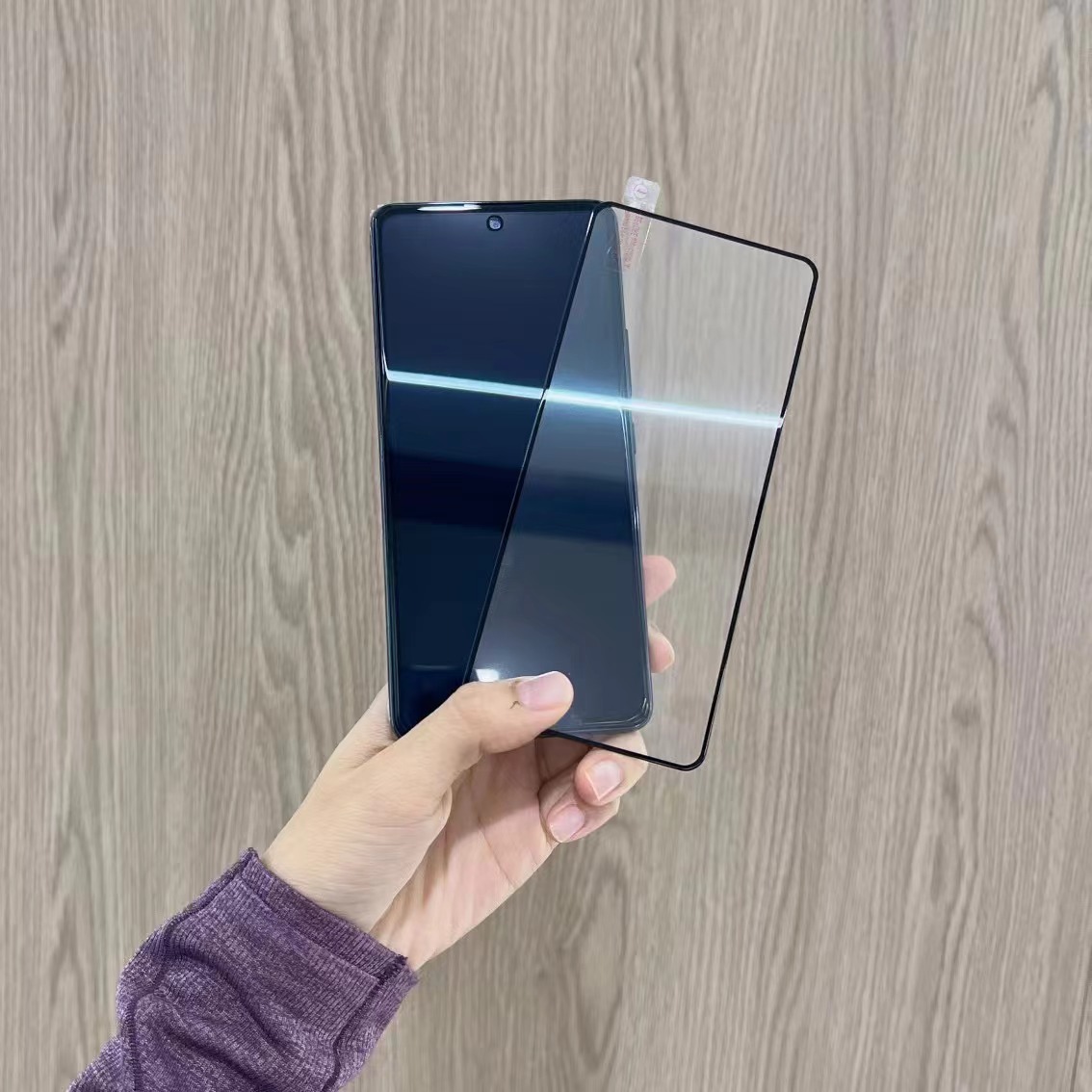
Tempered glass protectors are the most popular choice for Samsung devices due to their exceptional strength and clarity. They absorb impact, resist shattering, and provide a smooth touch experience identical to the phone’s original screen.
TPU Film Protectors: Flexibility and Thinness
Thermoplastic polyurethane (TPU) films are ultra-thin and flexible, making them ideal for users who prioritize screen sensitivity and a seamless feel. They are less impact-resistant than glass but excel at preventing minor scratches.
Privacy and Anti-Glare Protectors: Specialized Features
For users who frequently work in bright environments or handle sensitive data, privacy protectors limit screen visibility from side angles, while anti-glare coatings reduce reflections without compromising clarity.
Key Features to Consider When Choosing a Screen Protector
Compatibility with Samsung’s Display Technology
Samsung’s Dynamic AMOLED and Infinity-O displays require protectors that maintain touch sensitivity, support HDR content, and align perfectly with curved edges. Look for products specifically designed for your model, such as the Galaxy S23 Ultra or Z Fold5.
Thickness and Transparency: Balancing Protection and Aesthetics
Thicker protectors offer better impact resistance but may slightly reduce screen brightness. Ultra-clear tempered glass with 9H hardness ensures minimal distortion while preserving the phone’s sleek appearance.
Ease of Installation and Longevity
Adhesive-free protectors allow for repositioning, while pre-applied glue ensures a bubble-free fit. High-quality protectors resist yellowing and maintain their properties even after months of use.
Step-by-Step Guide to Installing a Screen Protector on Your Samsung Phone
Preparing Your Device and Workspace
Clean the screen thoroughly with a microfiber cloth and alcohol solution to remove dust and oils. Work in a dust-free environment to prevent bubbles during installation.
Aligning and Applying the Protector
Use the alignment guides on the protector to match the camera notch and curved edges. Apply gentle pressure from the center outward to eliminate air pockets without trapping debris.
Post-Installation Care: Removing Bubbles and Edge Lifts
Use a credit card or squeegee tool to smooth out minor bubbles. If edges lift, reapply gentle pressure along the seam. Avoid peeling and reapplying repeatedly, as this weakens the adhesive.
Maintaining Your Screen Protector for Long-Term Performance
Cleaning and Daily Care
Wipe the protector with a dry microfiber cloth daily. For stubborn smudges, use a damp cloth with mild soap, avoiding abrasive cleaners that scratch the surface.
Handling Scratches and Damage
Minor scratches can often be buffed out with a polishing cloth. If the protector cracks or peels, replace it promptly to prevent glass shards from damaging the underlying screen.
When to Replace Your Screen Protector
Replace the protector if it becomes excessively scratched, loses adhesion, or shows signs of yellowing. Most users replace protectors every 6–12 months, depending on usage.

Special Considerations for Samsung’s Foldable and Edge Displays
Protecting the Z Fold and Z Flip Series
Foldable phones require ultra-thin, flexible protectors that withstand repeated bending. Look for products with reinforced hinges and matte finishes to reduce glare on foldable screens.
Edge-to-Edge Displays: Avoiding Touch Sensitivity Issues
Curved screens demand protectors with precise cutouts to maintain touch responsiveness. Hydrogel films or ultra-thin tempered glass are ideal for preserving the seamless feel of models like the Galaxy S23 Ultra.
The Environmental Impact of Screen Protectors
Sustainable Materials and Recycling Options
Many manufacturers now offer protectors made from recycled materials or biodegradable components. Some companies provide take-back programs to recycle old protectors responsibly.
Reducing E-Waste Through Long-Lasting Products
Investing in high-quality protectors extends their lifespan, reducing the need for frequent replacements and minimizing electronic waste.
Conclusion: Safeguarding Your Samsung Phone with Confidence
A screen protector is a small investment that pays dividends in preserving your Samsung device’s functionality and appearance. By understanding the strengths of different materials, following proper installation techniques, and maintaining your protector diligently, you can ensure your phone remains in pristine condition for years. Whether you prioritize durability, clarity, or specialized features, there’s a perfect solution to meet your needs.
How to purchase: https://looperbuy.com/search?keywords=samsung+phone+screen+protector&globalType=1688
Frequently Asked Questions (FAQs)
- What’s the best screen protector for a Samsung Galaxy S23 Ultra? The best option is a tempered glass protector with 9H hardness and full adhesion to the curved edges. Look for models that support HDR displays and maintain touch sensitivity for the S Pen.
- How do I remove a bubble under my screen protector? Use a credit card or squeegee tool to gently press the bubble toward the edge. If it persists, lift the protector slightly at the corner and reapply it with a dust-free environment.
- Can I use a screen protector on a Samsung foldable phone? Yes, but choose a flexible TPU or ultra-thin tempered glass protector designed for foldable displays. Avoid thick glass protectors that may crack during folding.
- Why does my screen protector turn yellow over time? Cheap plastic protectors degrade due to UV exposure. Switch to high-quality tempered glass or oleophobic-coated TPU films to prevent discoloration.
- Is it necessary to remove the screen protector before charging wirelessly? No, wireless charging works through tempered glass and most TPU protectors. Ensure the protector is thin (under 0.3mm) and doesn’t contain metal elements that could interfere with the process.
Hot Tags: Samsung screen protectors; Tempered glass protectors; Phone screen maintenance; Foldable phone accessories; Anti-glare screen protectors; Samsung Galaxy S23 Ultra; Wireless charging compatibility; Privacy screen protectors; Sustainable phone accessories; Phone scratch prevention