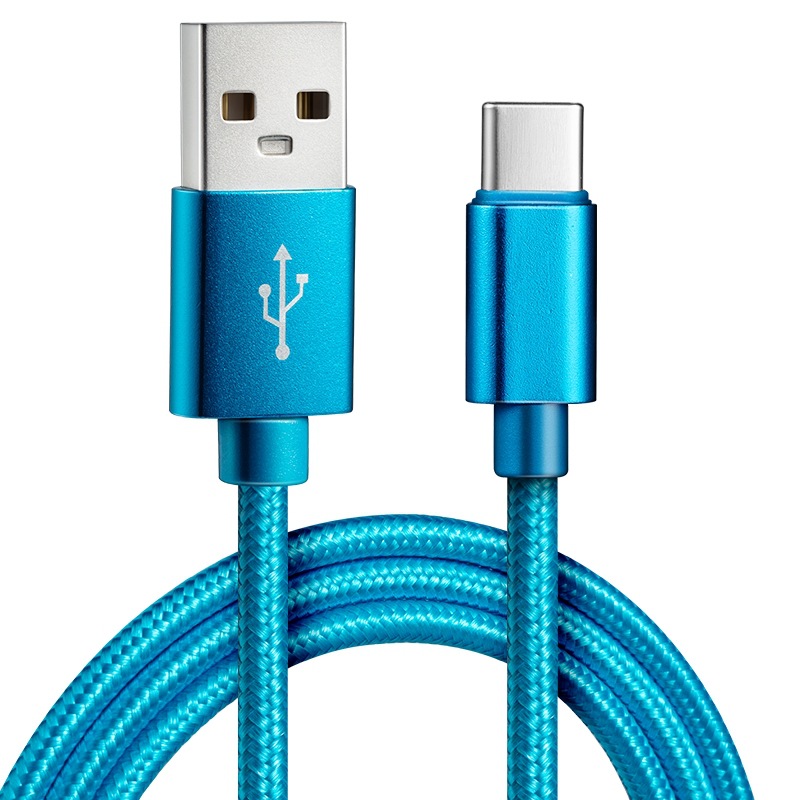
USB charging cables are ubiquitous—powering phones, laptops, tablets, and countless devices worldwide. But in an era of rising cyber threats, a growing concern has emerged: Can these seemingly innocent cables be weaponized? While most USB cables are harmless, certain scenarios can turn them into tools for cyberattacks, data theft, or even physical damage. This article explores how USB cables can be malicious, the risks involved, and actionable steps to protect yourself.
Table of Contents
How Can a USB Cable Be Malicious?
USB cables are not just passive wires—they contain electronic components (voltage regulators, data lines, and sometimes microchips) that hackers can manipulate. Malicious actors exploit these components to execute attacks, often categorized as “BadUSB” or “USB-based attacks.” Here are the primary methods:
- Firmware Hacking for Data Exfiltration or Sabotage
Many modern USB cables—especially “smart” ones with fast-charging or data-transfer features—embed firmware (software that controls hardware). Hackers can reprogram this firmware to:
- Emulate input devices: Act as a keyboard or mouse to bypass password prompts, install malware, or steal data.
- Spoof network adapters: Redirect internet traffic to phishing sites or intercept sensitive information (e.g., login credentials).
- Inject malware: Deliver malicious code (ransomware, spyware) directly to connected devices.
- Power-Based Attacks (USB Killer Cables)
Some malicious cables are designed to overload a device’s power supply. These “USB Killer” cables use modified voltage regulators to send sudden, high-voltage spikes (up to 200V) through the USB port. Consequences include:
- Bricking devices: Permanently damaging smartphones, laptops, or tablets.
- Destroying components: Fried motherboards, batteries, or charging ports.
- Physical Tampering for Surveillance
Rare but dangerous, some cables are physically altered to include hidden components:
- Microphones/cameras: To spy on the user.
- GPS trackers: To monitor the device’s location.
- Malicious connectors: To bypass security and access internal systems (e.g., corporate networks).
Signs Your USB Cable Might Be Malicious
While malicious cables are rare, red flags can indicate a problem. Watch for:
- Unusual Device Behavior
- Frequent freezes, restarts, or unexpected shutdowns.
- Unexplained pop-ups, error messages, or new apps.
- Spikes in data usage (malware communicating with external servers).
- Physical Anomalies
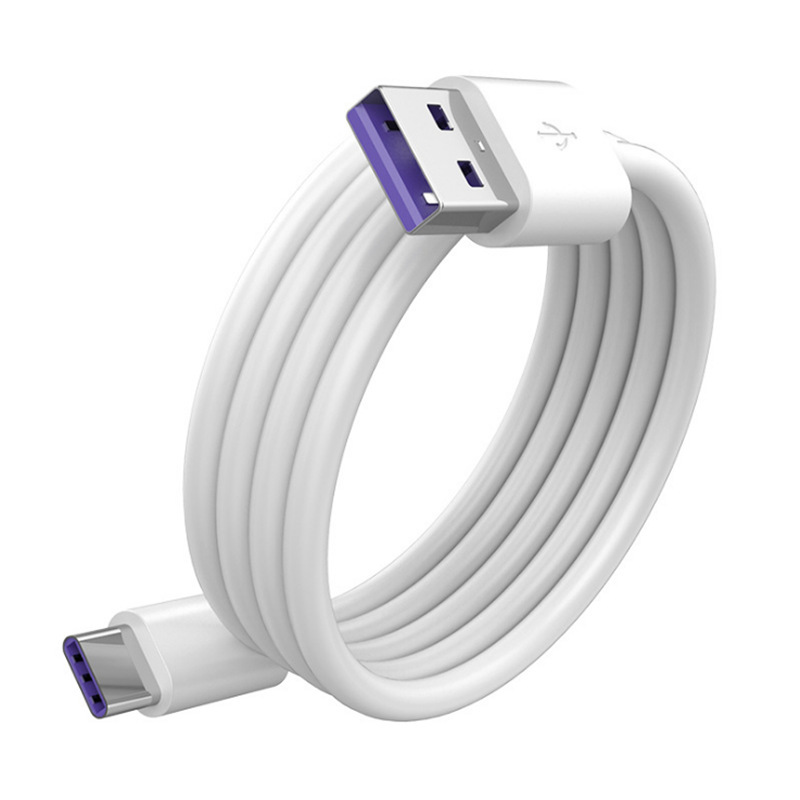
- The cable feels unusually heavy or has strange bulges (hidden components).
- Misaligned or damaged connectors (USB-A/USB-C) with scratch marks (signs of tampering).
- Generic branding or no labels (common in counterfeit/untrusted products).
- Suspicious Sources
- Purchased from untrusted sellers (street markets, unvetted online marketplaces).
- Received as a “free gift” with other purchases (a tactic to distribute malicious hardware).
How to Protect Yourself from Malicious USB Cables
Though the risk is low, proactive steps can minimize exposure:
- Buy from Reputable Brands
Stick to trusted manufacturers (Anker, Belkin, Apple, Samsung). These brands rigorously test products and avoid embedding malicious firmware. Avoid generic or unbranded cables, especially those sold at extremely low prices.
- Inspect Cables Before Use
- Check for physical damage, misaligned connectors, or unusual bulges.
- Verify specs (e.g., fast-charging compatibility) match your device’s requirements.
- Avoid Public Charging Stations
Public USB ports (airports, cafes, hotels) are prime targets for “juice jacking”—attacks where cables/ports steal data or install malware. Use a portable power bank or AC outlet with a trusted adapter instead.
- Use Security Tools
- USB Data Blockers: Small adapters that block data pins, allowing only power transfer. Effective against most data-based attacks.
- Device Security Features: Enable “USB Debugging” restrictions (Android) or “Trust This Computer” prompts (iOS) to block unauthorized access.
- Monitor Device Activity
Regularly check for unusual apps, data usage, or performance issues. Use antivirus software (Norton, Bitdefender) to scan for malware, and keep your OS updated to patch vulnerabilities.
Conclusion
USB charging cables, while essential, carry rare but real risks of malicious exploitation—from data theft to physical damage. The key to safety lies in prevention: choosing trusted brands, inspecting cables, avoiding public chargers, and using security tools like data blockers.
As USB technology evolves (e.g., USB4, Thunderbolt), attackers may develop new tactics, but core principles remain: never trust unknown devices, and prioritize physical and data security. A little caution goes a long way in protecting your devices and privacy.
How to purchase: https://looperbuy.com/search?keywords=can+a+usb+charging+cable+be+malicious&globalType=1688
Frequently Asked Questions
Q1: How can I tell if a USB cable is malicious?
A: Look for physical anomalies (bulges, misaligned connectors), unusual device behavior (freezes, data spikes), or suspicious sources (untrusted sellers). Use a USB protocol analyzer (e.g., Wireshark) to detect abnormal data transfers.
Q2: Are public USB charging stations safe?
A: No—public ports are high-risk for “juice jacking.” Attackers can steal data or install malware via modified cables or ports. Use a portable power bank or trusted adapter instead.
Q3: Do USB Data Blockers fully prevent attacks?
A: Data blockers block data pins, stopping most data-based attacks (e.g., keyboard emulation). However, they won’t defend against physical tampering (e.g., “USB Killer” cables with embedded chips).
Q4: Are cheap USB cables (e.g., $10) always unsafe?
A: Not necessarily, but they often lack safety certifications (e.g., USB-IF) and may use inferior materials. Prioritize trusted brands for reliability and security.
Q5: What does “Trust This Computer” mean on iOS?
A: It grants the connected device access to files, photos, or other data. Avoid trusting unknown cables, as they could exploit this permission to steal information.
Hot Tags: malicious usb cable, badusb attack, usb killer cable, usb security risks, how to detect malicious usb, safe charging cables, usb data blocker, cybersecurity tips, usb tampering, malicious hardware