Table of Contents
Understanding the Issue
When Samsung phone screens turn on and off repeatedly, it can be both frustrating and disruptive. This issue can manifest in various ways, from brief flickers to frequent full – screen shutdowns and restarts. The root causes can vary widely, involving both hardware and software factors.
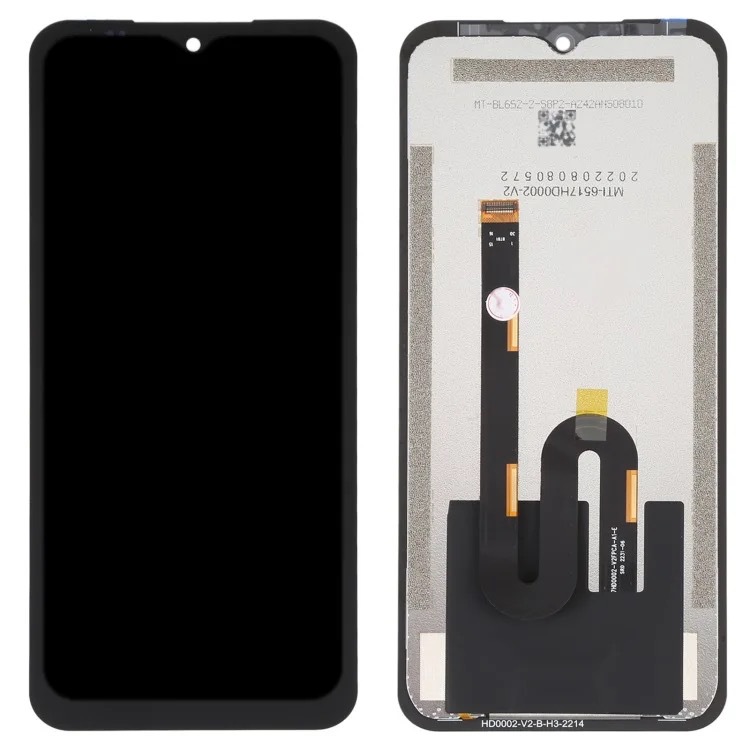
One common hardware – related cause is a faulty touchscreen. If the screen’s digitizer, which is the component that detects touch input, becomes damaged or malfunctioning, it can send erratic signals to the phone’s processor. This may result in the screen turning off unexpectedly as the phone attempts to reset the display in response to incorrect input signals.
Software glitches can also lead to this problem. Conflicting applications, corrupted system files, or outdated operating system versions may interfere with the phone’s display functions. In some cases, a simple software update or reset can resolve the issue by correcting these software – based irregularities.
Initial Steps for Diagnosis
Checking for Physical Damage
The first step in diagnosing the issue is to inspect your phone for any visible signs of physical damage. Check the screen for cracks, especially around the edges or in areas where impact might have occurred. Even small cracks can potentially damage the internal components of the screen.
Inspect the phone’s body for any signs of liquid damage, such as discoloration or corrosion near ports or buttons. Liquid damage can severely affect the phone’s electrical systems, including those that control the screen. If you suspect liquid damage, it’s advisable to take the phone to a professional repair service as soon as possible.
Assessing Recent Changes or Events
Consider any recent changes or events that might have preceded the screen – related issues. Did the problem start after dropping the phone or exposing it to extreme temperatures? These factors can sometimes cause the screen to malfunction.
Think about recent software installations or updates. New applications can sometimes conflict with the phone’s system software and affect display performance. Similarly, incomplete or problematic software updates might leave the phone’s operating system in an unstable state that impacts screen operation.
Software – Based Solutions
Performing a System Update
One of the simplest yet effective solutions is to ensure your Samsung phone’s software is up to date. Software updates often include bug fixes and improvements to device stability, which can resolve display issues caused by software glitches.
To perform a system update, go to your phone’s Settings menu, select “Software Update,” and follow the on – screen instructions. If an update is available, download and install it, making sure to keep your phone plugged in during the process to avoid interruption.
Conducting a Factory Reset
If the issue persists after trying less drastic measures, a factory reset can be a potential solution. A factory reset will erase all data on your phone and restore it to its original factory settings, which can eliminate software – related conflicts that might be causing the screen to turn on and off repeatedly.
Before performing a factory reset, back up your important data to a computer or cloud storage service. To initiate the reset, go to Settings > System > Reset Options > Factory Data Reset, and follow the prompts. After the reset, your phone will restart, and you can set it up again as if it were new.
Hardware – Related Fixes
Inspecting and Repairing the Screen
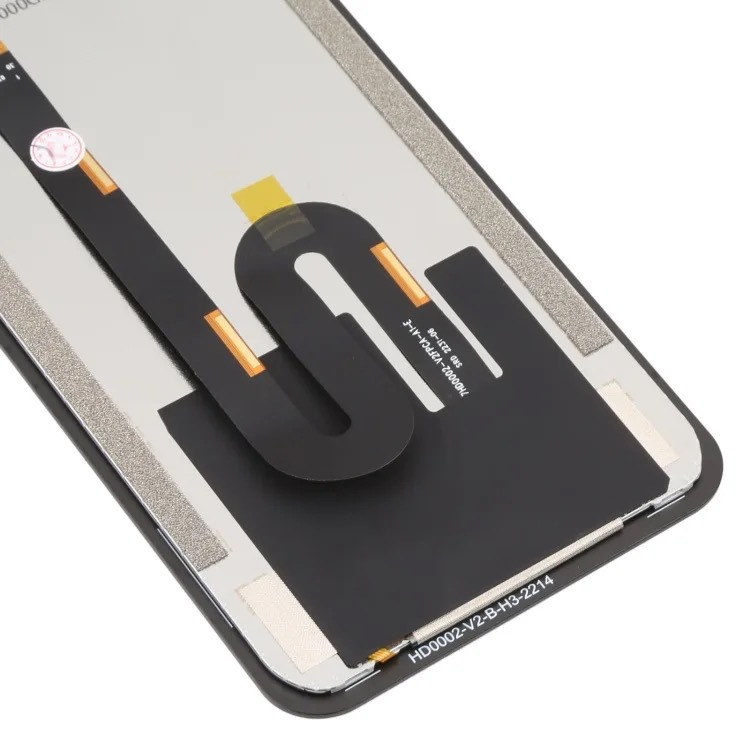
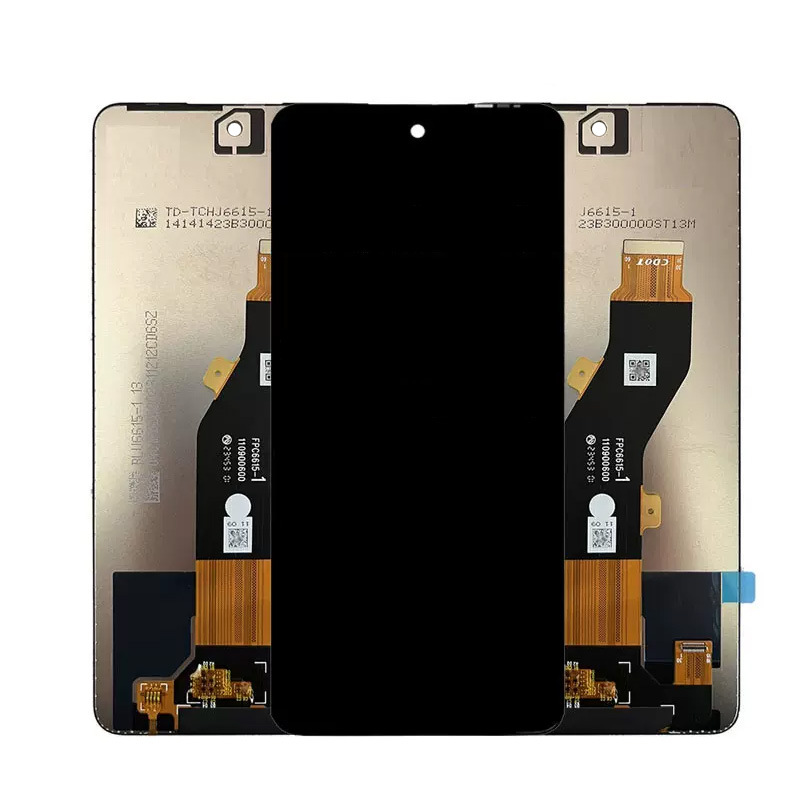
If software solutions don’t resolve the issue, the problem might be hardware – related. Start by carefully inspecting the screen for any signs of damage or wear. If you notice any cracks or unresponsive areas on the screen, it might be necessary to replace the screen assembly.
Professional repair services can diagnose and replace faulty screens. Many authorized Samsung service centers offer screen – replacement services with warranties, ensuring the quality and functionality of the repair. It’s advisable to visit a certified repair shop or contact Samsung’s official support for this procedure.
Checking for Loose Connections
Sometimes, loose cable connections between the screen and the phone’s mainboard can cause intermittent display issues. This typically requires professional diagnosis, as accessing these components involves disassembling the phone.
If you’re comfortable with technical repairs, you can attempt to inspect the internal connections. However, this carries the risk of further damaging the phone if not done properly. For most users, taking the phone to a professional repair technician is the safest and most reliable option.
Preventive Measures
Protecting Your Phone from Physical Damage
To prevent future screen – related issues, consider using a protective case and screen protector. A high – quality case can cushion the phone during drops and reduce the impact on the screen. Screen protectors, whether tempered glass or plastic films, can provide an additional layer of protection against scratches and cracks.
Avoid exposing your phone to extreme temperatures and moisture. High temperatures can cause components to expand and contract, potentially damaging connections, while moisture can lead to corrosion of electrical parts. Keeping your phone in a stable environment helps prolong its lifespan and reliability.
Regular Software Maintenance
Keeping your phone’s software well – maintained is essential for preventing many common issues. Regularly check for system updates and install them promptly. Update individual applications through the Google Play Store or Samsung Galaxy Store to ensure compatibility with your phone’s operating system.
Perform periodic data backups to protect your information in case a factory reset or other major software operation becomes necessary. This creates a safety net, allowing you to recover your data without losing important files or contacts.
Conclusion
The issue of Samsung phone screens turning on and off repeatedly can stem from various causes, but with a methodical approach to troubleshooting, many cases can be resolved effectively. By first examining potential hardware damage and then exploring software – based solutions, users can often restore normal functionality to their devices. When hardware repairs are necessary, seeking professional assistance ensures the phone is restored to optimal condition. Taking preventive measures can help avoid such issues in the future, allowing Samsung phone users to enjoy reliable and uninterrupted display performance.
How to Purchase:https://looperbuy.com/search?keywords=samsung+phone+screen+turns+on+and+off+repeatedly
Related Questions & Answers
· Why does my Samsung phone screen turn on and off by itself?
This issue can be caused by several factors, including a faulty touchscreen digitizer that sends incorrect signals to your phone, software glitches from conflicting apps or system errors, or physical damage to the screen or internal components. It’s also possible that loose connections inside the phone are causing intermittent display problems.
· How can I fix my Samsung phone screen turning on and off without taking it to a shop?
You can try several at – home solutions, including performing a system update to fix software – related bugs, conducting a factory reset (after backing up your data) to eliminate software conflicts, and checking for visible screen damage. If these steps don’t resolve the issue, professional repair may be necessary.
· Will a factory reset fix my Samsung phone’s screen issue?
A factory reset can potentially fix screen – related issues if they’re caused by software conflicts or corrupted system files. However, if the problem is hardware – based, such as a damaged screen or faulty connections, a factory reset won’t resolve the issue and professional repair will be needed.
· How much does it cost to repair a Samsung phone screen that turns on and off repeatedly?
Repair costs vary depending on the cause and extent of the damage. Screen replacements typically range from $100 to $300 at authorized Samsung repair centers, depending on the phone model and the severity of the damage. If the issue is covered under warranty, repairs might be free or cost – effective. It’s advisable to contact Samsung support or a certified repair shop for an accurate diagnosis and cost estimate.
· Can a cracked Samsung phone screen cause it to turn on and off repeatedly?
Yes, a cracked screen can potentially cause this issue. Cracks might damage the internal components of the screen or the connections to the phone’s mainboard, leading to intermittent display problems. In such cases, replacing the screen assembly is usually necessary to restore normal functionality.
Hot Tags: Samsung Display Issues; Phone Screen Troubleshooting; Android Software Fixes; Mobile Hardware Repairs; Screen Flickering Solutions; Smartphone Maintenance Tips; Mobile Display Calibration; Phone Reset Procedures; Samsung Support Resources