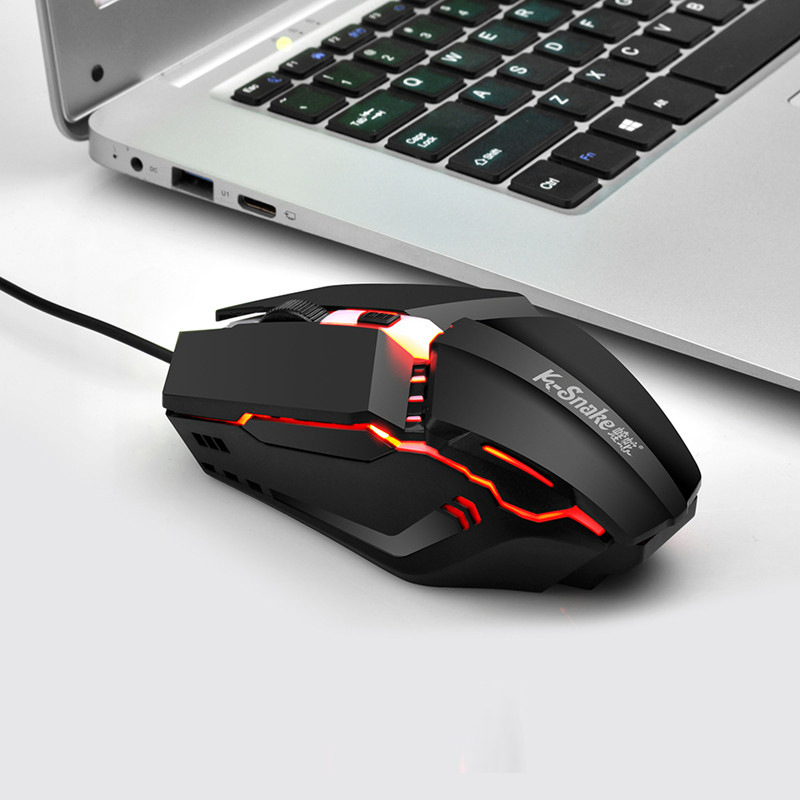
In the modern digital landscape, the computer mouse remains the most critical bridge between human intent and machine execution. Whether you are a professional designer, a competitive gamer, or a casual office worker, the quality of your input device directly influences your efficiency, comfort, and long-term joint health. When your current device fails, begins to jitter, or simply fails to meet your ergonomic needs, the search for a replacement becomes an urgent priority. Searching for “computer mice near me” is the fastest way to bridge the gap between digital convenience and physical accessibility, ensuring you can get back to work or play with minimal downtime.
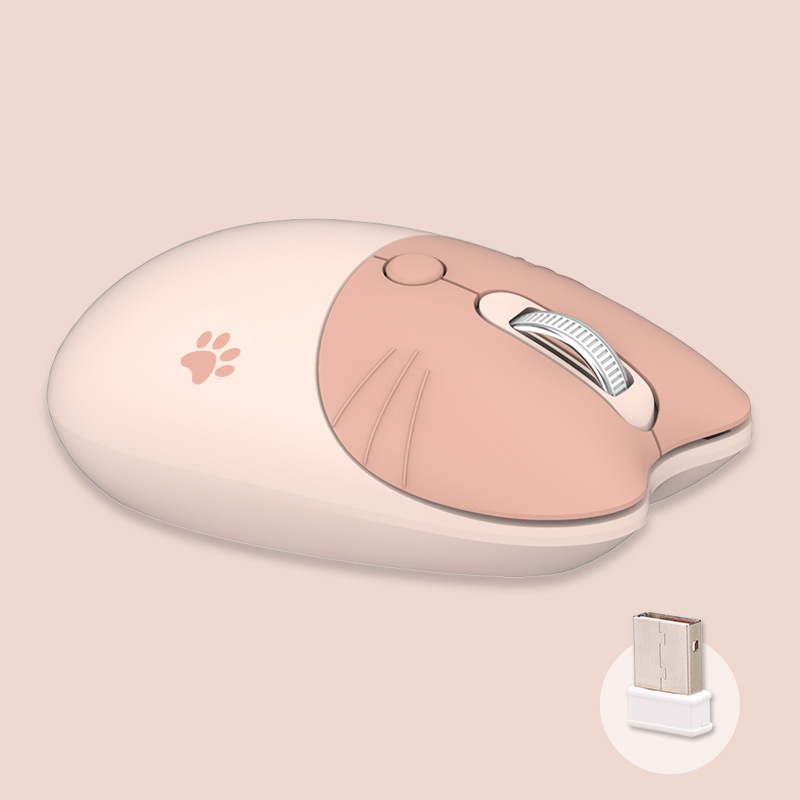
Table of Contents
Why Local Availability Matters for Input Devices
While online marketplaces offer an endless sea of options, there is an unparalleled advantage to sourcing your hardware locally. The “computer mice near me” search paradigm is not just about logistics; it is about the sensory experience of choosing a device that will be under your hand for thousands of hours a year.
The Tactile Advantage of In-Store Shopping
There is no substitute for physically holding a mouse before purchasing. Ergonomics is a deeply personal metric; a shape that is hailed as “perfect” by online reviewers might be entirely uncomfortable for your specific hand size or grip style. By visiting a local retailer, you can test the weight, the click tension of the buttons, the texture of the scroll wheel, and the overall fit in your palm. This hands-on evaluation significantly reduces the likelihood of “buyer’s remorse” associated with purchasing a device that doesn’t feel right.
Immediate Gratification and Problem Solving
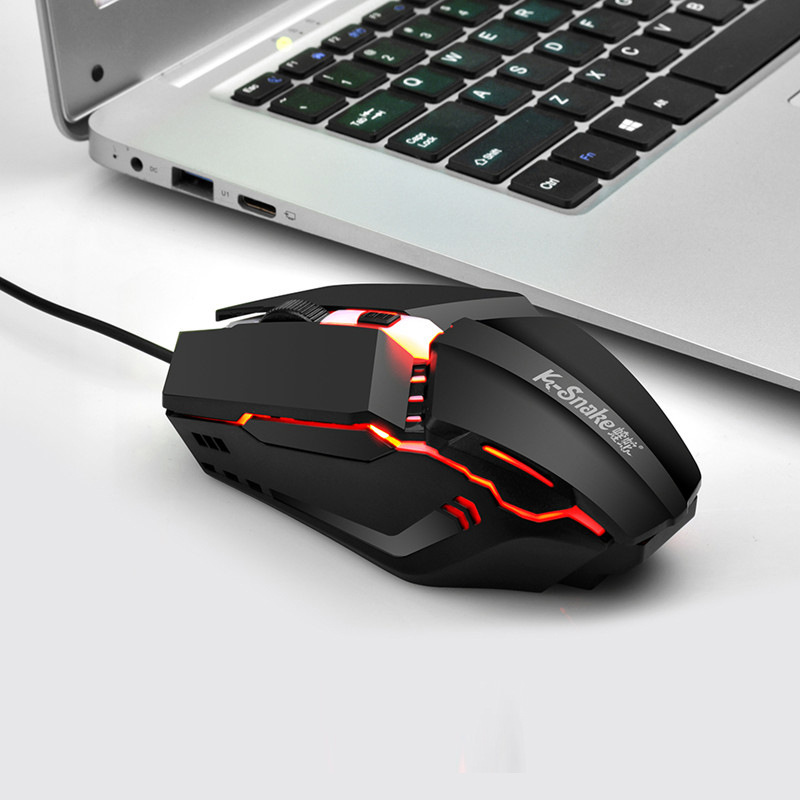
Hardware failure rarely happens at a convenient time. If your mouse dies in the middle of a major project or an important gaming session, waiting for standard shipping might be unacceptable. Local retail options—ranging from big-box electronics stores and office supply centers to specialized gaming boutiques—offer the ability to secure a replacement within an hour. This immediacy is often the difference between a productive day and a frustrating period of technological paralysis.
Navigating the Spectrum of Computer Mice Types
Understanding the landscape of available mice is essential before you head to the store. Modern devices are far more specialized than the simple two-button scroll wheel mice of the past.
Standard Office and Productivity Mice
For most users, the standard office mouse focuses on reliability and basic ergonomic support. These devices are usually wired or utilize a simple 2.4GHz wireless dongle. They are designed for longevity and comfort during extended sessions of word processing, data entry, and web browsing. If your goal is strictly productivity, look for models with silent clicks or secondary side buttons that can be mapped to common shortcuts like “back” or “copy/paste.”
Precision Gaming Mice
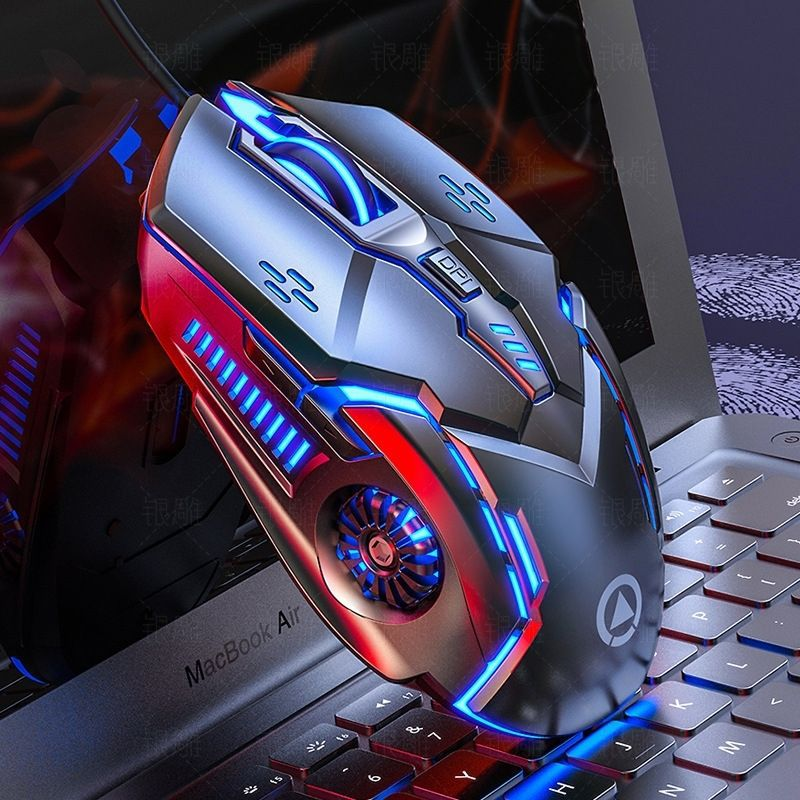
Gaming mice are the high-performance vehicles of the input device world. They feature advanced optical or laser sensors with high DPI (dots per inch) capabilities, allowing for pixel-perfect tracking. Beyond the sensor, these devices often feature customizable RGB lighting, adjustable weights, and a multitude of programmable buttons. If you are a gamer, searching “computer mice near me” should lead you toward stores with gaming-focused inventories, where you can test the responsiveness of the switches.
Ergonomic and Vertical Mice
For users suffering from wrist strain or repetitive stress injuries (RSIs), standard mouse designs are often the culprit. Vertical mice, which position your hand in a more natural “handshake” angle, are specifically designed to reduce pressure on the median nerve. These are increasingly stocked by major retailers, making it easier than ever to pick one up locally and immediately start mitigating long-term discomfort.
Key Factors to Consider Before You Buy
When you arrive at the store, having a clear checklist will help you cut through the marketing noise and identify the mouse that truly serves your needs.
Connectivity: Wired vs. Wireless
- Wired Mice: These offer the ultimate reliability. You never have to worry about battery life or wireless interference. They are ideal for high-stakes competitive gaming and environments where wireless signal clutter is high.
- Wireless Mice: These provide a cleaner workspace and superior portability. Modern wireless technology has closed the latency gap, making them indistinguishable from wired versions for most tasks. However, you must consider battery management, whether it be via AA batteries or rechargeable internal lithium-ion cells.
DPI and Sensitivity
DPI represents how far the cursor on your screen moves per inch you move the mouse. High DPI is essential for high-resolution monitors and gaming, while lower DPI is often preferred for precise photo editing or graphic design. Many modern mice feature “on-the-fly” DPI adjustment buttons, allowing you to switch between these modes depending on the task at hand.
Build Quality and Durability
Examine the materials. A high-quality mouse should feel substantial, not flimsy. Look for high-durability switches (often rated for millions of clicks), reinforced cables (for wired models), and high-quality PTFE feet (the pads on the bottom) that ensure a smooth glide across your mouse pad.
The Evolution of Mouse Aesthetics and Customization
Beyond mere functionality, the modern mouse has become a centerpiece of desk aesthetics. The shift toward “desk setups” as a form of personal expression means that your peripheral choices now reflect your personality and style.
The Role of RGB and Design
Many modern mice, especially those found in gaming categories, come equipped with customizable RGB lighting. While this may seem purely aesthetic, it allows you to sync your mouse with your keyboard and monitor lighting, creating a cohesive visual experience. When visiting a local store, you can observe these lighting effects in person, ensuring they match the vibe of your home office or gaming rig.
Software Customization and Macro Programming
High-end mice often come with proprietary software that allows for deep customization. You can remap buttons to perform complex macros, adjust the polling rate, and set up different profiles for different applications. If you are a power user, check the packaging or ask the sales associate if the device supports robust software customization, as this is where the real power of modern hardware lies.
Portability for the On-the-Go Professional
If you travel frequently, a bulky gaming mouse or a full-sized ergonomic device might not be the most practical choice. In your “computer mice near me” search, look for compact travel mice. These devices are often smaller, feature a lower profile, and are designed to be thrown into a laptop bag without taking up excessive space. Some travel mice are even foldable or have collapsible designs to save further space.
Sustainable Practices and Longevity
In an age of increasing electronic waste, choosing a mouse that is built to last is a form of sustainability. Instead of opting for the cheapest plastic device that will likely fail within a few months, consider investing in a higher-tier mouse that is repairable or made with more durable, sustainable materials.
Maintaining Your Investment
Once you have purchased your new mouse, maintenance is key to ensuring its longevity. Regularly cleaning your mouse pad, using compressed air to clear out the sensor, and wiping down the body with a slightly damp cloth can prevent the buildup of dust and oils that often lead to sensor failure or button degradation. By taking care of your device, you are not only saving money in the long run but also reducing your ecological footprint.
Recyclability and Disposal
If your mouse finally reaches the end of its life, be mindful of how you dispose of it. Many electronics stores that sell mice also offer recycling programs. Instead of throwing it in the trash, where it contributes to harmful e-waste, check with your local store to see if they accept used electronics for proper recycling. This responsible behavior is part of being a conscious consumer in the digital age.
Conclusion
Finding the perfect computer mouse is a blend of understanding your technical requirements and honoring your physical comfort. By utilizing the “computer mice near me” approach, you gain the benefit of immediate access and the ability to test hardware before committing. Whether you choose a high-precision gaming mouse or an ergonomic vertical solution, prioritizing your specific usage needs will ensure a more comfortable and productive computing experience.
How to purchase:Online B2B sourcing platform, China purchase, Chinese suppliers – LooperBuy
Article Summary:
This article explores the practical advantages of sourcing computer mice locally, emphasizing the critical importance of tactile evaluation in choosing an ergonomic input device. It categorizes the diverse market of computer mice—ranging from standard office models and high-performance gaming devices to specialized vertical ergonomic designs—to help users make informed decisions based on their specific needs. By prioritizing local search, users can bypass shipping delays and ensure immediate problem-solving, while also considering aesthetics, software customization, and long-term sustainability to enhance their overall digital productivity and physical comfort.
Hot Tags:
Computer Mouse; Wireless Mouse; Gaming Mouse; Ergonomic Mouse; Vertical Mouse; PC Accessories; Laptop Peripheral; Optical Mouse; Laser Mouse; USB Mouse; Bluetooth Mouse; Computer Hardware; Office Supplies; Wired Mouse; RGB Gaming Mouse; High DPI Mouse; Silent Click Mouse; Computer Setup; Desktop Accessories; Computer Peripherals; Rechargeable Mouse; Best Gaming Mouse; Ergonomic Workstation; Tech Shopping; Electronics Store; PC Gaming Gear; Computer Input Devices; Wireless Connectivity; Mouse Precision; Computer Maintenance
Related Questions & Answers
· How can I test the ergonomics of a mouse before buying it in a store?
When in the store, take the mouse out of the packaging if a demo unit is available. Place your hand on it to see how your palm rests against the body. Check if the buttons are easily reachable without forcing your fingers to stretch and feel if the side buttons are intuitive to access with your thumb.
· Is a wired mouse still better than a wireless mouse for gaming?
Historically, yes, but modern wireless technology has eliminated most perceived latency issues. While professional e-sports players still sometimes prefer wired for guaranteed reliability and zero interference, most gamers will find high-end wireless mice to be perfectly responsive and sufficiently reliable for competitive play.
· What is the difference between optical and laser sensors in mice?
Optical sensors typically use an LED to track surface movement and are generally better on standard mouse pads, offering very smooth tracking. Laser sensors can operate on a wider variety of surfaces, including glass or glossy surfaces, but they can sometimes be overly sensitive, picking up microscopic imperfections that result in “jitter.”
· Why is my mouse cursor jittery or inaccurate?
Jitteriness is often caused by dirt or debris in the sensor opening on the bottom of the mouse. Try cleaning it gently with compressed air. It could also be due to an unsuitable mouse pad surface, a low battery (if wireless), or electromagnetic interference from other nearby wireless devices.
· Are vertical mice actually effective for wrist pain?
Yes, for many users, vertical mice are highly effective at reducing wrist strain. By rotating the hand into a neutral, handshake-like position, they prevent the forearm bones from twisting, which significantly reduces pressure on the wrist and can alleviate symptoms associated with Carpal Tunnel Syndrome and general RSI.