Table of Contents
Introduction to Samsung Phone Screen Black Issues
A black screen on a Samsung phone is a common yet frustrating problem that can disrupt daily communication, work, and entertainment. Whether caused by software glitches, hardware failures, or accidental damage, this issue often leaves users scrambling for solutions. This comprehensive guide explores the root causes of Samsung screen blackouts, step-by-step troubleshooting methods, and strategies to prevent recurrence. Whether you own a Galaxy S23 or an older model like the Note 20, this article equips you with actionable insights to revive your device or decide when professional repair is necessary.

Common Causes of a Black Screen
Software-Related Issues
- System Crashes: Corrupted OS updates or app conflicts can freeze the screen.
- Boot Loop Errors: Failed software installations may prevent the device from starting properly.
- Malware Attacks: Viruses or spyware can override display functions.
Hardware Failures
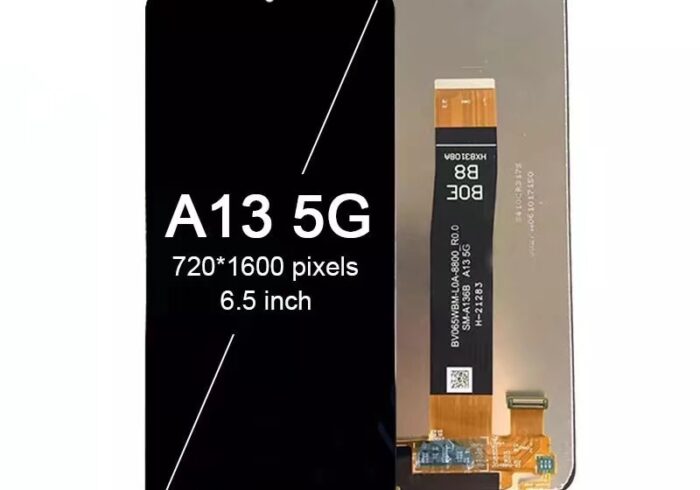
- Damaged Screen: Cracked OLED panels or faulty connectors disrupt visual output.
- Battery Problems: A swollen or depleted battery may fail to power the display.
- Motherboard Defects: Damaged circuits or water ingress can disable the screen.
User-Induced Factors
- Physical Drops: Impact can dislodge internal display cables.
- Water Exposure: Liquid damage corrodes screen components.
- Overheating: Prolonged gaming or charging stresses hardware.
Step-by-Step Troubleshooting Guide
Preliminary Checks
- Charge the Device: Use a certified charger and wait 30 minutes to rule out a dead battery.
- Force Restart: Press and hold Volume Down + Power for 10–20 seconds (varies by model).
- Check for Physical Damage: Inspect the screen for cracks or discoloration.
Software Fixes
Boot in Safe Mode
- Steps:
- Turn off the phone.
- Press and hold Power until the Samsung logo appears.
- Release Power, then immediately press and hold Volume Down.
- Release when “Safe Mode” appears.
- Purpose: Isolate third-party app conflicts.
Factory Reset
- Warning: Back up data first.
- Steps:
- Enter Recovery Mode (Volume Up + Power).
- Navigate to Wipe Data/Factory Reset.
Hardware Fixes
Display Cable Reconnection
- Tools Needed: Precision screwdriver, plastic pry tool.
- Steps:
- Remove the back cover and battery (if removable).
- Locate the display ribbon cable near the motherboard.
- Disconnect and reconnect the cable securely.
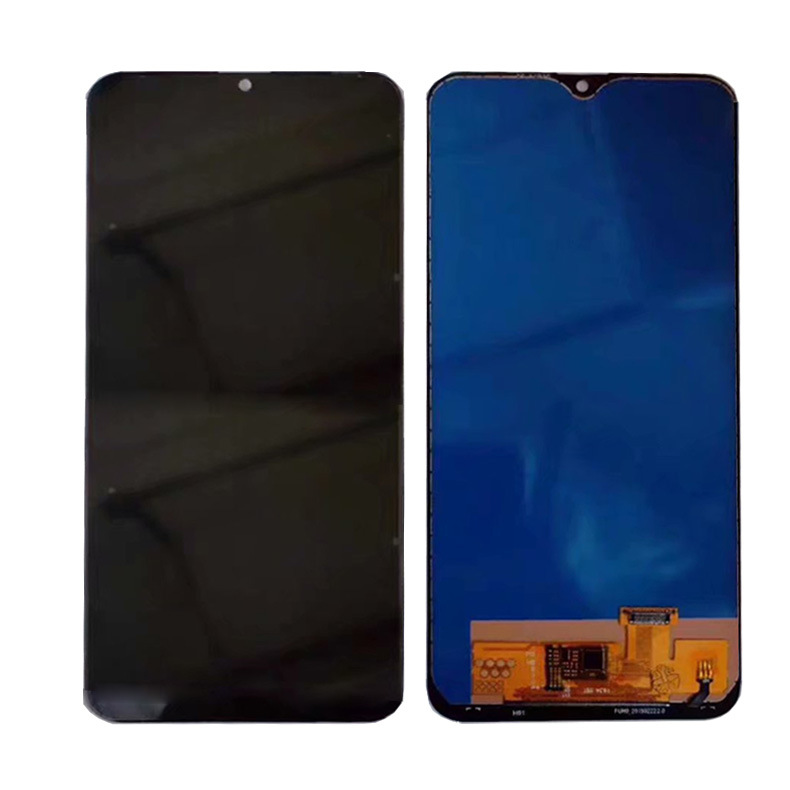
Screen Replacement
- Cost: 150–300 for OEM screens; 80–150 for third-party alternatives.
- Professional vs. DIY: DIY kits risk further damage without expertise.
Preventing Future Black Screen Issues
Software Maintenance
- Regular Updates: Install OS patches and security updates promptly.
- App Management: Avoid sideloading APKs; use Google Play Protect.
- Malware Scans: Use trusted antivirus apps like Malwarebytes.
Hardware Care
- Protective Gear: Use tempered glass screen protectors and shockproof cases.
- Temperature Control: Avoid leaving phones in hot cars or direct sunlight.
- Moisture Avoidance: Keep devices away from liquids; use waterproof cases outdoors.
Backup Strategies
- Cloud Services: Enable Samsung Cloud or Google Drive auto-backup.
- Local Storage: Transfer files to SD cards or PCs weekly.
When to Seek Professional Help
- Persistent Black Screen: DIY fixes fail after multiple attempts.
- Visible Hardware Damage: Cracked screens, bulging batteries, or burnt smells.
- Warranty Coverage: Utilize Samsung’s 1-year warranty or Samsung Care+ for repairs.

Conclusion
A black screen on your Samsung phone doesn’t have to spell disaster. By systematically diagnosing software glitches, addressing hardware flaws, and adopting preventive habits, you can often revive your device or extend its lifespan. For complex issues, professional repair services ensure safety and reliability. Remember: Regular maintenance and cautious usage are your best defenses against future screen failures.
How to Purchase:https://looperbuy.com/search?keywords=samsung+phone+screen+black
Related Questions & Answers
· Why does my Samsung screen go black but still respond to touches?
This suggests a backlight failure. Test by shining a flashlight on the screen; if icons are visible, replace the backlight or screen assembly.
· Can a black screen cause data loss?
Not directly, but inaccessible data requires recovery via Samsung’s Find My Mobile or professional tools like Dr.Fone.
· How do I recover photos from a Samsung phone with a black screen?
Connect the phone to a PC via USB, use Samsung Flow for wireless access, or remove the SD card (if photos are stored there).
· Is a black screen covered under Samsung warranty?
Only if caused by manufacturing defects, not physical damage or water exposure.
· How long does a Samsung screen replacement take?
Certified repair centers typically complete it in 2–4 hours.
Hot Tags: Samsung Screen Replacement Cost; OLED Display Failure; Galaxy Black Screen Fix; Safe Mode Samsung; Phone Data Recovery; Water Damage Repair; Malware Screen Issues; Samsung Warranty Claims; DIY Phone Repairs.