In today’s fast-paced digital world, charging cables are essential accessories for our devices. Apple, known for its innovative technology, offers a variety of charging cables designed to meet the needs of its users. One common question that arises is about the lengths of these cables. This article delves into the different types of Apple charging cables, their lengths, and the implications of these lengths for users.
Table of Contents
Types of Apple Charging Cables
Lightning to USB Cable
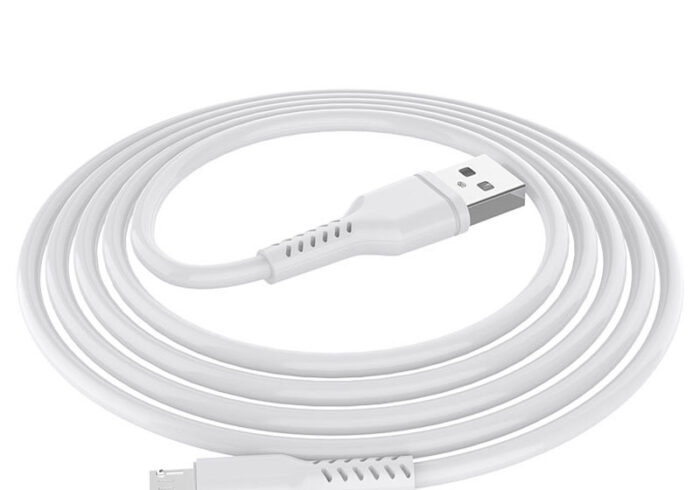
The Lightning to USB cable is one of the most widely used charging cables for Apple devices. It connects devices with a Lightning connector, such as iPhones and iPads, to a USB port for charging and data transfer. Apple offers this cable in two standard lengths:
- 1 Meter (3.3 Feet): This is the standard length that comes with most Apple devices. It is suitable for everyday use, allowing users to charge their devices while using them comfortably.
- 2 Meters (6.6 Feet): This longer version is ideal for users who need more flexibility in their charging setup. It allows for charging from a greater distance, which can be particularly useful in larger rooms or when using the device while it charges.

USB-C to Lightning Cable
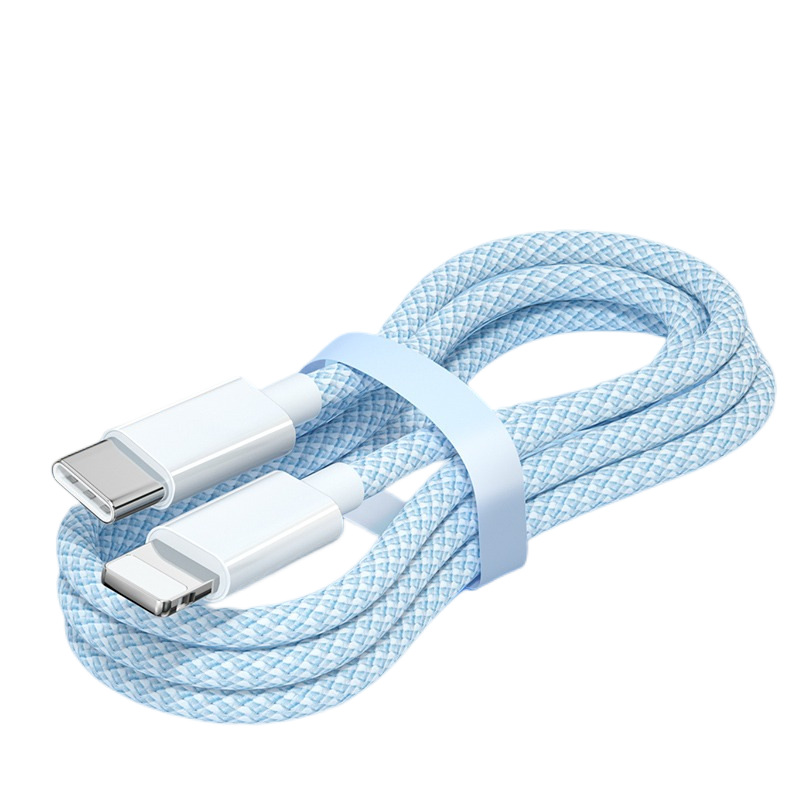
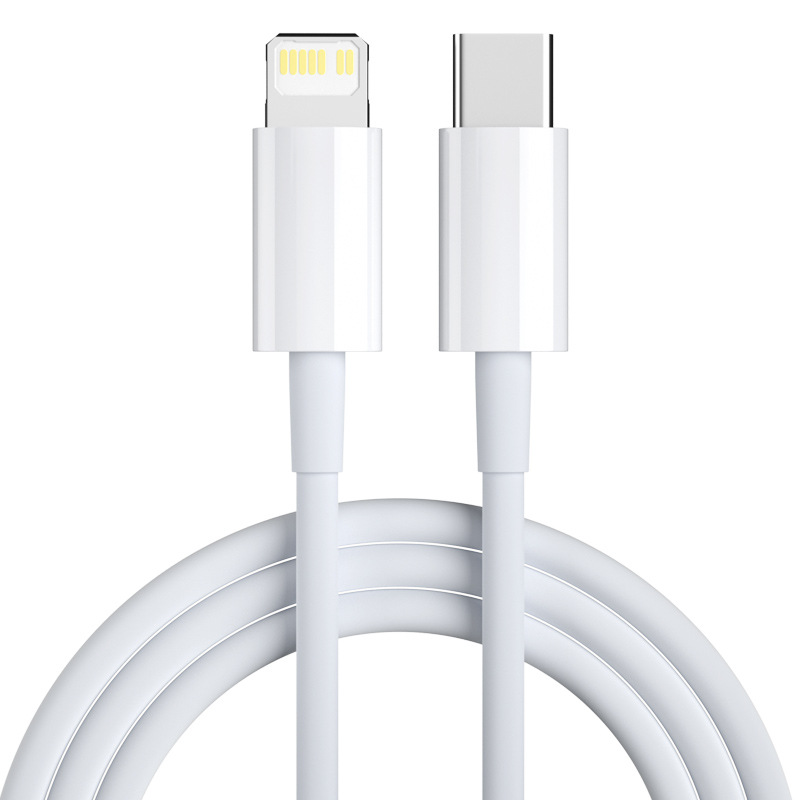
With the introduction of newer devices, Apple has also provided a USB-C to Lightning cable. This cable is designed for fast charging and is compatible with various Apple products. The lengths available for this cable are:
- 1 Meter (3.3 Feet): Similar to the Lightning to USB cable, this length is standard and convenient for most users.
- 2 Meters (6.6 Feet): This longer cable offers more versatility, allowing users to charge their devices while using them from a distance.
USB-C Charge Cable
For users with newer MacBook models, Apple offers a USB-C charge cable. This cable is designed for charging and data transfer between USB-C devices. The available lengths are:
- 2 Meters (6.6 Feet): This length is standard for USB-C cables, providing ample reach for charging laptops and other devices.
- 1 Meter (3.3 Feet): A shorter option is also available for users who prefer a more compact cable.
The Importance of Cable Length
Flexibility and Convenience
The length of a charging cable can significantly impact user experience. A longer cable provides more flexibility, allowing users to charge their devices while using them comfortably from a distance. This is particularly beneficial in situations where the power outlet is far from the user, such as in a living room or office setting.
Portability
While longer cables offer flexibility, shorter cables are often more portable. Users who frequently travel may prefer a 1-meter cable, as it is easier to pack and carry. However, having a longer cable available can be advantageous for charging in various environments.
Charging Speed
The length of the cable can also affect charging speed, particularly with USB-C cables. Longer cables may experience a slight reduction in charging efficiency due to resistance in the wire. However, Apple designs its cables to minimize this effect, ensuring that users still receive optimal charging speeds.
Choosing the Right Cable Length
Assessing Your Needs
When selecting a charging cable, it is essential to consider your specific needs. If you primarily charge your device at a desk or bedside table, a longer cable may be more suitable. Conversely, if you often travel or need a cable for on-the-go charging, a shorter cable might be the better choice.
Compatibility with Accessories
Another factor to consider is compatibility with accessories. For example, if you use a charging dock or stand, ensure that the cable length is appropriate for the setup. A longer cable may be necessary if the dock is positioned far from the power outlet.
Future-Proofing
As technology evolves, users may upgrade their devices. When purchasing a charging cable, consider future compatibility. Opting for a longer cable can provide more versatility for future devices, especially as Apple continues to innovate.
Common Issues with Charging Cables
Wear and Tear
One of the most common issues with charging cables is wear and tear. Frequent bending and twisting can lead to frayed wires and damaged connectors. Users should handle cables with care and avoid pulling on them when unplugging.
Compatibility Issues
Not all charging cables are compatible with every device. Using a cable that is not designed for a specific device can lead to slow charging or even damage. Always ensure that the cable is compatible with your device before use.
Charging Speed Variations
Users may notice variations in charging speed depending on the cable used. For example, using a standard Lightning cable may result in slower charging compared to a USB-C to Lightning cable, which supports fast charging. Understanding the capabilities of each cable can help users optimize their charging experience.
Best Practices for Maintaining Charging Cables
Proper Handling
To extend the lifespan of your charging cables, it is crucial to handle them properly. Avoid yanking or pulling on the cable when unplugging it from a device. Instead, grasp the connector firmly and pull it straight out. This practice helps prevent damage to both the cable and the device’s port.
Storage Solutions
When not in use, store your charging cables in a way that minimizes stress on the wires. Avoid wrapping them tightly around objects, as this can lead to kinks and fraying. Instead, consider using cable organizers or pouches designed for storing charging cables. This not only keeps them untangled but also protects them from potential damage.
Regular Inspection
Periodically inspect your charging cables for signs of wear and tear. Look for frayed wires, bent connectors, or any other visible damage. If you notice any issues, it is best to replace the cable to avoid potential hazards, such as electrical shorts or device damage.
The Future of Charging Cables
Advancements in Technology
As technology continues to evolve, so do charging cables. The introduction of USB-C technology has already revolutionized the way we charge devices, offering faster charging speeds and more versatility. Future advancements may lead to even more efficient charging solutions, such as wireless charging or improved cable designs that reduce wear and tear.
Sustainability Considerations
With growing concerns about environmental sustainability, manufacturers are increasingly focusing on creating eco-friendly charging solutions. This may include using recyclable materials for cables or developing longer-lasting products that reduce electronic waste. As consumers become more environmentally conscious, the demand for sustainable charging options is likely to increase.
The Role of Third-Party Accessories
While Apple provides high-quality charging cables, many third-party manufacturers also offer compatible options. These cables can vary in length, quality, and price. When considering third-party cables, it is essential to choose reputable brands that meet safety standards to ensure optimal performance and safety.
Conclusion
Apple offers a range of charging cables in various lengths to accommodate the diverse needs of its users. Whether you prefer a standard 1-meter cable for everyday use or a longer 2-meter cable for added flexibility, there is an option available for everyone. Understanding the importance of cable length, compatibility, and potential issues can help users make informed decisions when selecting charging cables for their devices.
How to purchase:https://looperbuy.com/search?keywords=how+long+is+apple+charging+cable&globalType=1688
Frequently Asked Questions
- What is the standard length of an Apple Lightning to USB cable?
The standard length is 1 meter (3.3 feet), but a 2-meter (6.6 feet) option is also available.
- Can I use a longer cable for faster charging?
While longer cables can provide flexibility, they may experience slight reductions in charging efficiency. However, Apple designs its cables to minimize this effect.
- Are all Apple charging cables compatible with every device?
No, not all cables are compatible with every device. Always check compatibility before use.
- How can I prevent wear and tear on my charging cables?
Handle cables with care, avoid pulling on them when unplugging, and store them properly to prevent damage.
- What should I consider when choosing a charging cable length?
Consider your charging habits, the distance from power outlets, and compatibility with accessories when selecting a cable length.
HOT TAG: apple charging cables, cable lengths, lightning to USB, USB-C to lightning, charging speed, cable compatibility, wear and tear, charging accessories, user needs, cable selection